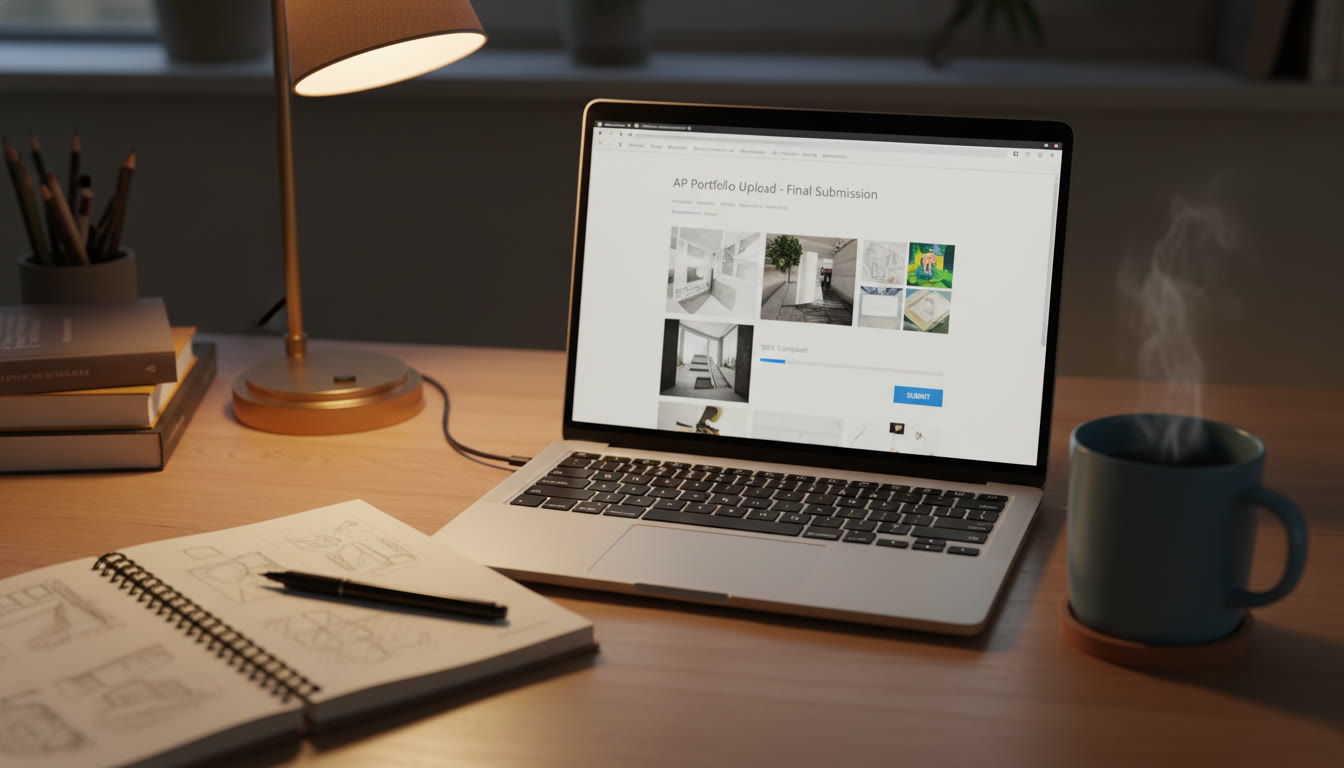

Night-Before: Portfolio & Presentation Checks for AP Art and Design
It’s the evening before your portfolio submission or in-class AP presentation. You’ve refined your pieces, written your reflections, and practiced talking about your work until you could say it in your sleep. Now comes the delicate, crucial hour of final checks: the time when small, practical moves keep months of work from being undone by a tiny technical hiccup or an avoidable oversight.
Why a night-before ritual matters
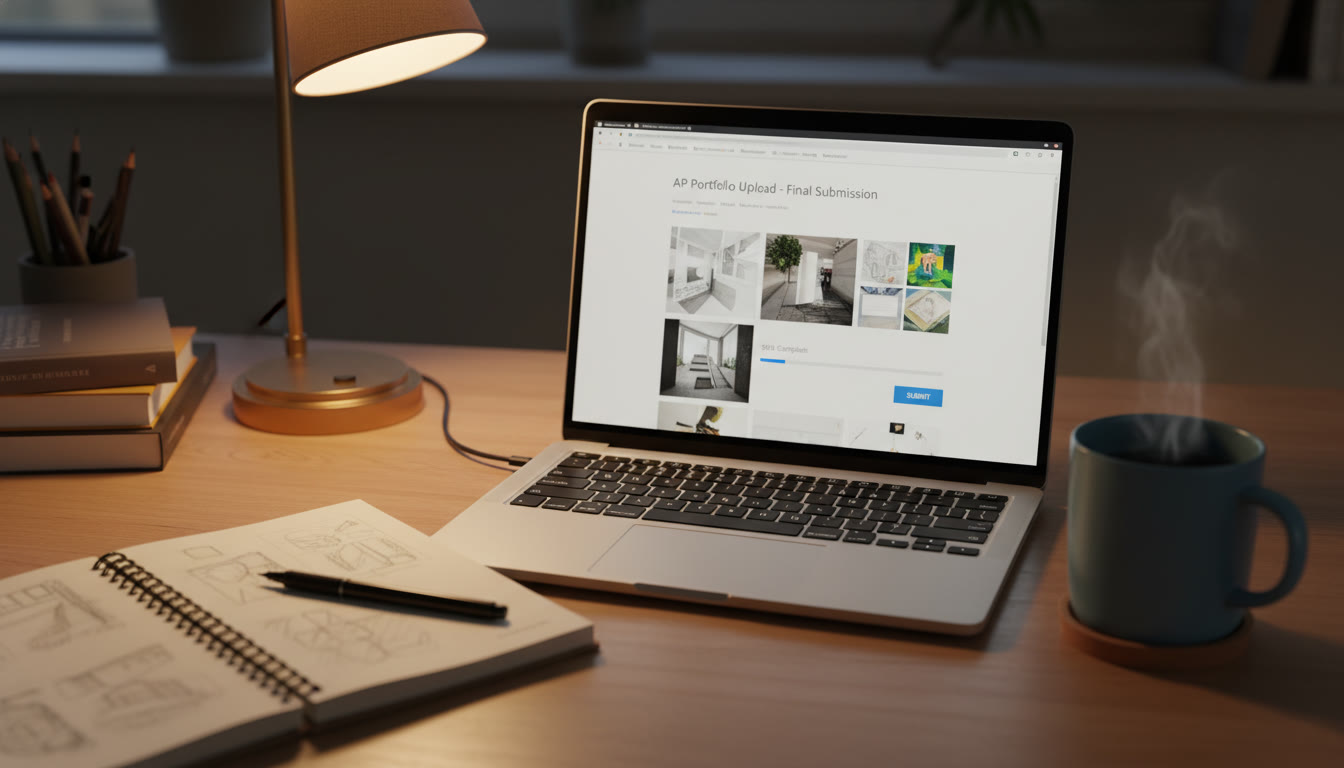
Think of this moment as a ritual that moves you from production to presentation. When you take a structured hour for checks, you convert anxiety into control. The portfolio is both an artistic statement and a technical deliverable: it must look and read the way you intend, and it must arrive intact, correctly labeled, and submitted through the AP Digital Portfolio system on time. The night-before ritual helps you catch everything that’s simple to fix but catastrophic if missed.
What to have on hand now
- Your College Board login credentials and AP ID (double-check the string you’ll use for image names).
- Final image files in a single, clearly named folder (with sequential file names).
- Written evidence — two Sustained Investigation responses — saved in the required format and a backup copy.
- A device with the recommended browser (Chrome, Safari, Edge, or Firefox) and a charger available.
- At least 30–60 minutes of uninterrupted time for the checks and the actual submission.
- An earlier deadline from your teacher or AP coordinator (they may return items for edits), and the AP Program deadline in mind for final submission.
Technical File Checklist: Make your uploads bulletproof
Files are the most common source of problems the night before. Follow this checklist step by step to make sure nothing trips you up at upload time.
1. File format and color mode
Ensure images are JPEG or PNG and in RGB color mode. Many phones save in formats or modes that don’t render as intended — convert and check. If you took Live Photos on an iPhone or Motion Photos on Android, export a static image; motion-enabled files can fail to render.
2. Resolution and file size
Make sure each image is not smaller than the recommended viewing size and does not exceed the per-image maximum. If the system limit is 4 MB, optimize without over-compressing. The image should look crisp — avoid heavy compression artifacts that could hide detail evaluators need.
3. File naming and organization
Use a clean, consistent convention: your AP ID (not your name) followed by a sequence number, like APID_1.jpg. Avoid special characters and spaces — they can break certain upload systems. Keep the files in a single folder and label that folder something logical (for example: APArtPortfolio_2026).
4. Image orientation and cropping
Double-check that every work is oriented properly. A rotated image or unintended crop can change how your piece reads. Open each file full screen and quickly scan for edges, glare, or shadows that obscure detail.
5. Metadata and documentation
For each image, be ready to enter dimensions, materials, processes, and image citations where required. Have this metadata in a simple document you can copy/paste from — it saves time and prevents inconsistencies.
6. Backups
Copy your folder to at least one external drive and a cloud backup. If something goes wrong with your device, you’ll thank yourself for the redundancy. Rename the backup folder with the word BACKUP and today’s date so you can find it instantly.
Presentation Prep: Polishing your spoken narrative
The portfolio tells a visual story. Your presentation is how you narrate that story. Use this section to shape a crisp, human, and honest way of talking about your work.
1. Keep the arc simple
A good presentation has a beginning (what you set out to explore), a middle (what you did and why), and an end (what you learned and what you would do next). Practice a one-paragraph opener that sets context for your Sustained Investigation and a one-sentence closer that ties the Selected Works back to your core idea.
2. Use evidence — not just assertions
Instead of saying “I improved,” show one clear comparison: a step in your process where you changed a technique or material and explain the result. Concrete examples make your claims believable and memorable.
3. Time your remarks
If you have a fixed time limit, practice with a timer. If there’s no strict limit, aim for clarity and restraint — concise, evocative statements beat rambling explanations. Record a practice run and note where you slow down or lose focus.
4. Anticipate questions
Review your written evidence and imagine the simplest and the toughest questions a reviewer might ask. Prepare one- or two-line answers for each so you don’t stall in the moment. Questions about intention, influences, and technical process are common — be ready to point to a specific image and say why it matters.
Checklist Table: Final Night Tasks
| Task | Why It Matters | Estimated Time |
|---|---|---|
| Open each image full screen | Catch rotations, glare, or cropping issues | 10–15 minutes |
| Confirm file names and sequence | Prevents misordered uploads and confusion | 5 minutes |
| Check written evidence for typos and clarity | Words matter; clarity helps scoring | 15–20 minutes |
| Test upload small image to the platform | Confirms browser and connection compatibility | 5–10 minutes |
| Do a full mock presentation (recorded) | Builds confidence and reveals pacing issues | 20–30 minutes |
| Create backups and plug in devices | Avoids data loss and dead battery panic | 5 minutes |
Upload Strategy: Calm, methodical, and fail-safe
When you move from local files to the AP Digital Portfolio, act deliberately. Rushing or trying to upload everything at once can lead to mistakes. Here’s a calm, fail-safe sequence to follow when you finally sit down to upload.
Step-by-step upload plan
- Open the portfolio web app and sign in early — make sure you can access your class dashboard.
- Upload images for one component at a time: start with Sustained Investigation Images, then written evidence, then Selected Works. This reduces the chance of misplacing images.
- After each upload, use the platform’s preview feature to view how files will appear to reviewers. Check orientation, captions, and formatting.
- Confirm metadata entries — dimensions, materials, process notes — against your prepared doc to avoid errors.
- Use the platform’s Submit Final flow only when you are absolutely certain. Some systems lock files upon final submission; make sure everything is correct before you click.
- After submitting each component, check the Class Summary or status page to ensure the component shows a completed/checked icon. If your teacher returns a component, resubmit promptly before the final deadline.
Presentation-day Tech Rehearsal
If your AP presentation is in-class or remote, do a tech rehearsal the night before. It’s not fancy — it’s practical.
Checklist for the tech run
- Check the room setup: projector, screen, lighting, and a comfortable standing spot where your works are visible.
- Confirm the laptop display settings — mirror vs. extend, resolution, and sound if needed.
- If remote, test your microphone, camera framing, and screen-sharing. Disable notifications and close unrelated tabs.
- Have a printed or digital one-page cue sheet listing the order of works and duration per slide.
- Place water nearby and a small timer you can glance at (your phone set to Do Not Disturb works well).
Stylistic and Content Checks: What reviewers actually look for
Scorers evaluate both craft and thinking. Here are the content areas to double-check so your portfolio communicates what you mean to say.
Consistency and intentionality
Make sure your Selected Works reflect a coherent set of concerns. Consistency doesn’t mean everything looks the same — it means the pieces show a through-line of ideas, practice, and development.
Process evidence
For the Sustained Investigation, include images that signal your thinking: thumbnails, experiments, material tests, and compositions that didn’t work. These process images show growth and critical reflection.
Clear written evidence
Your responses should be specific and reflective. Avoid vague claims like “I explored themes of identity” without saying how. Briefly describe a moment or method that crystallized your idea: a material choice, a failed experiment that improved the outcome, a reading or experience that shaped a series.
Confidence and Presentation Energy
Technical accuracy is essential, but how you present matters too. Confidence comes from preparation, not perfection. Below are small, high-impact ways to elevate your presence.
Breathing and voice
Before you start, take three slow breaths. Ground your weight evenly on both feet. Speak at a steady pace and project just enough to be heard clearly without shouting. If your voice shakes, slow down — the brain understands slower speech more easily.
Use natural gestures
Gestures help you articulate ideas but keep them purposeful and contained. A relaxed hand toward an image, a short pause before a key point — these are powerful.
Be honest about limitations
If part of a process didn’t work, say so briefly and highlight what you learned. Vulnerability, when paired with insight, is persuasive. Scorers appreciate evidence of reflection more than a forced narrative of success.
When Things Go Wrong: Quick fixes
Even with the best prep, something can fail. Here are quick, calm remedies for common problems.
- Upload failure: Pause and try a smaller test file. Switch browsers or use a wired internet connection if possible.
- File corrupted: Use your backup and re-export the image. If you have an earlier version, submit that — clarity beats an illegible artifact.
- Teacher returns a component: Read their comments carefully, fix only what’s requested, and resubmit the corrected component promptly.
- Battery or device trouble: Plug in, move to a known working device, and notify your teacher if an issue delays submission (most teachers appreciate early heads-up).
Final Mindset: Leave with peace
The night-before ritual concludes with a moment of intentional closure. Once you’ve submitted or arranged your presentation, give yourself permission to stop. Confidence grows when you acknowledge your work is done for now — you’ve controlled the things you can.
Quick mental checklist before bed
- All components uploaded and verified in the dashboard.
- Backups created and labeled.
- Presentation practiced once, tech tested, and props set out.
- Phone charged and set to Do Not Disturb during presentation time.
After that, do something that rests your mind: a short walk, a shower, or listening to a favorite playlist for 20–30 minutes. Sleep will sharpen your recall and steady your nerves in a way extra cramming never will.
How targeted help can change the game
If you find yourself still anxious or stuck tonight, consider one-on-one support. Personalized tutoring can be a time-saver in the final stretch: a tutor can run a focused mock presentation, give specific feedback on written evidence, or help troubleshoot uploads in real time. Sparkl’s personalized tutoring offers tailored study plans, expert tutors, and AI-driven insights that can help you focus on the highest-impact fixes — the kind of help that turns nervous energy into clarity.
Sample Night-Before Timeline
Use this as a template to structure your final evening. Tweak times to fit your schedule, but keep the order — technical checks first, then presentation polish, then backups and rest.
- 6:00–6:15 PM — Quick dinner and clear workspace.
- 6:15–6:45 PM — Open each image full screen, check orientation and clarity.
- 6:45–7:00 PM — Final read-through of written evidence; fix typos and tighten language.
- 7:00–7:30 PM — Upload test file and confirm platform access; begin component uploads.
- 7:30–8:00 PM — Complete uploads, enter metadata, and verify Class Summary page checks.
- 8:00–8:30 PM — Full mock presentation (recorded); review recording for pacing.
- 8:30–8:45 PM — Create backups, plug in devices, and prepare cue sheet.
- 8:45–9:00 PM — Wind down, set phone to Do Not Disturb, and visualize a calm presentation.
Closing: Your work is a conversation
Remember: a portfolio and presentation are not a one-time judgment. They’re a conversation — with scorers, with viewers, with your future self. The night-before checks you do are how you make sure your voice carries clearly into that conversation. Breathe, trust your process, and let the practical steps you’ve taken give you the confidence to show up fully.
If you want a calm, focused last-minute run-through tomorrow morning or another mock presentation tonight, reach out to a tutor for a short, targeted session. Even a 30-minute, expert-guided check can make the difference between feeling uncertain and feeling composed.
Good luck — you’ve done the hard, creative work. Now you get to present it with clarity. That’s the final and best part.

















No Comments
Leave a comment Cancel