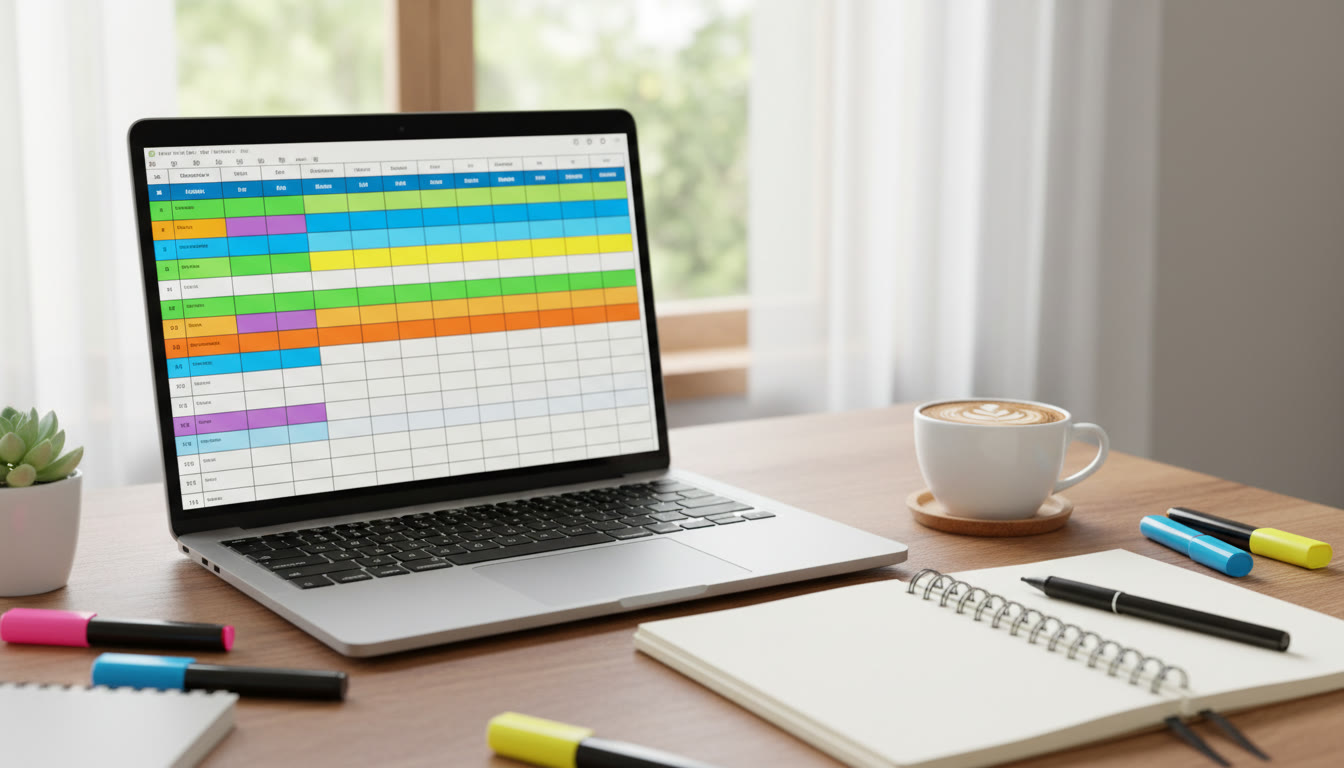

Why an Activities Master Document matters (and how it saves time, energy, and stress)
If you’ve ever stared at a university application and wished you’d written everything down sooner, you’re not alone. The IB Diploma Programme asks you to be a thinker, an engaged learner, and a reflective citizen — but when it comes time to translate those experiences into crisp application entries, essays, and interview talking points, memories blur and hours get lost. An Activities Master Document fixes that: it’s a single, living file that captures what you did, when you did it, what you learned, and how it mattered. With one well-organized document, you can fill in activity lists, build compelling college essays, prepare concise interview anecdotes, and track evidence for CAS reflections without starting from scratch.
Make it practical: the mindset behind a master document
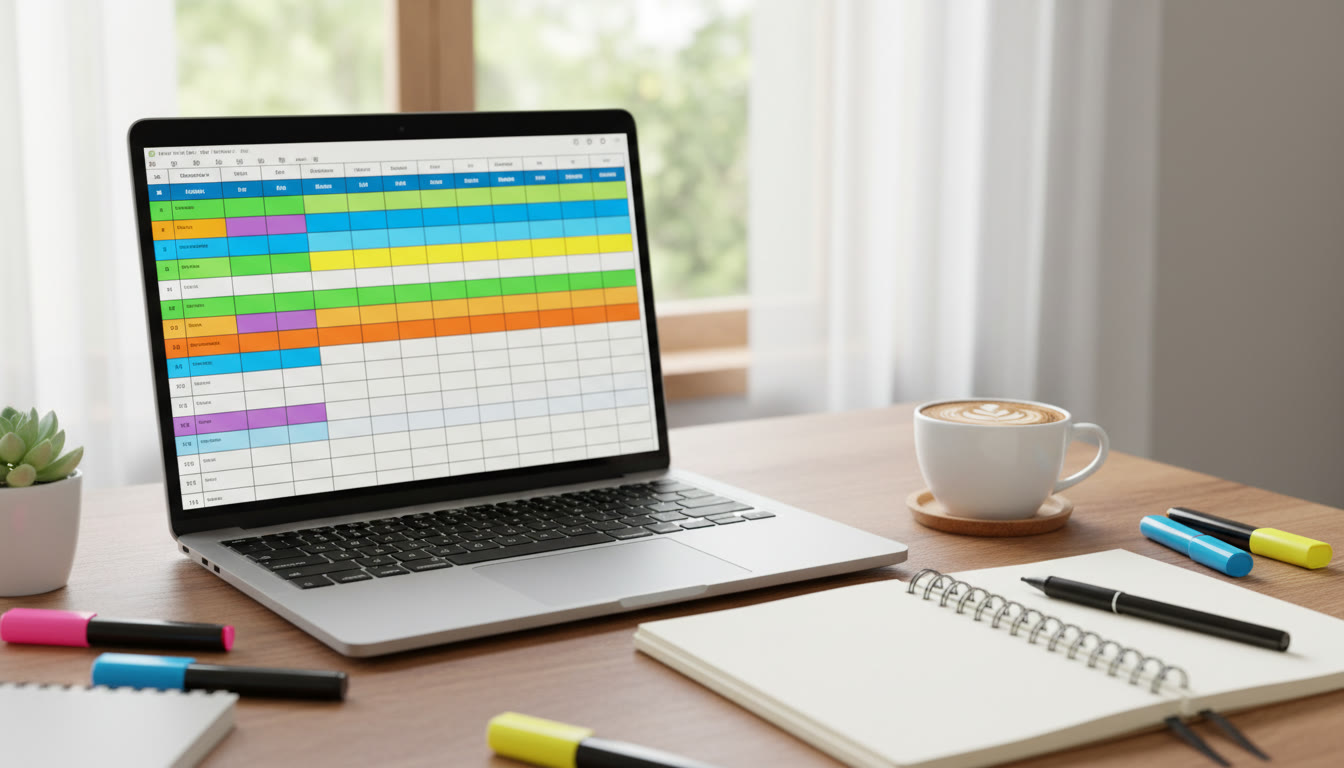
Think of the Activities Master Document as both a research lab notebook and a storyteller’s scrapbook. It has two jobs: capture raw data (dates, hours, roles, evidence) and shape that data into meaningful storylines (impact, growth, skills). Start small — a short entry after every meaningful activity — and commit to short reflections. Over time those tiny pieces accumulate into a powerful narrative that you can pull from when applications demand a 150-word activity description or a 650-word personal statement.
What to include: fields that make every application easier
Different universities and systems ask for different details, but the Master Document should include a superset of fields so you can adapt entries quickly. Keep each entry concise but rich, and update it the moment something meaningful happens.
- Activity name — clear and compact.
- Role / title — what you actually did (not just the group name).
- Dates — start and end (or “ongoing”).
- Weekly / total hours — keep a running estimate; many readers care more about commitment pattern than exact numbers.
- Place / supervisor — useful for recommendation context.
- Evidence — filenames, links, photos, certificates, reflections.
- Impact — what changed because of your work (numbers, stories, outcomes).
- Skills developed — transferable skills like leadership, research, communication, problem-solving.
- Possible application angle — 1–2 short hooks for essays or short answers.
- Reflection snippet — a 1–2 sentence reflection you can expand later for CAS or essays.
Quick example entry (how a short note becomes an essay seed)
Rather than leaving a vague bullet like “team captain”, write a compact entry that includes outcome and learning. For example: “Swim Team — Captain (Sep–Jun, ongoing). Organized weekly skill clinics for novice swimmers; recruited 12 new members and reduced drop-out rate by 30%. Learned to structure practice plans and give constructive feedback under pressure. Application angle: leadership through mentoring and measurable program growth.” That three-line entry can become a 50-word application activity line, a paragraph in a supplemental essay, and a two-minute interview anecdote — without re-creating the memory later.
Organize entries so they’re easy to reuse
Structure is the backbone of a reusable document. Use consistent headings or spreadsheet columns and keep the file synced to the cloud so you can access it from school, home, or during an interview. Here’s a simple organizational workflow:
- Master spreadsheet for raw entries (one row per activity).
- Subfolder of evidence (photos, PDFs, certificates) with clear filenames.
- Short reflections in the spreadsheet and longer reflections in a linked document for CAS or TOK integration.
- Monthly snapshot export to a summary file for application seasons.
Practical table: activity-tracking template
| Activity | Role | Dates | Hours | Impact / Outcome | Evidence | Application Angle |
|---|---|---|---|---|---|---|
| Community Tutoring | Peer Tutor | Ongoing (weekly) | ~3 / week | Raised average grades by 0.6 GPA among tutees | tutoring_cert.pdf; session_photos.jpg | Demonstrated sustained mentoring and measurable impact |
| Science Fair Project | Lead Researcher | Project cycle | 120 total | Published regional presentation; won school prize | abstract.pdf; presentation_slides.pptx | Independent research, hypothesis testing, communication |
| Volleyball Club | Captain | Seasonal | 5 / week | Led strategy shift; reached regional finals | match_stats.xlsx; coach_note.pdf | Team leadership, strategic thinking under pressure |
How to translate Master Document entries into application-friendly copy
Admissions readers have limited time. Your job is to translate substance into clarity: concise achievement + specific result + transferable skill. That formula works in short activity boxes, essays, and interviews. Here are three adaptable formats you can pull straight from your Master Document.
- Short activity line (for application forms): Role + activity + one measurable result — e.g., “Peer Tutor — Provided weekly math support to 12 students, improving average scores by 15%.”
- Essay seed (for personal statements): Challenge + action + insight — start with a scene, explain what you did, and close with what you learned and how it shapes your future.
- Interview anecdote (60–90 seconds): Situation, your role, an obstacle, a concrete action, and a specific outcome — finish with a reflection about the skill that mattered.
Turning details into stories: three short models
Below are quick templates for turning your data into persuasive text. Each model maps to fields in your Master Document so you can copy-paste and tweak.
- Model A — Leadership (50–75 words): “As [role] for [activity], I noticed [problem]. I organized [action], which led to [measurable result]. Through this I developed [skill] and learned [insight].”
- Model B — Learning through research (50–75 words): “In [activity], I pursued [question]. I designed [method], which revealed [finding]. Presenting these results taught me [skill] and sparked an interest in [field].”
- Model C — Service impact (50–75 words): “While volunteering at [place], I helped [task]. Daily interactions highlighted [need], so I [action], resulting in [outcome]. The experience shifted my perspective on [value].”
A timeline to keep the Master Document fresh (daily habits that scale)
Consistency beats intensity when building a portfolio. Here is a sustainable timeline you can adapt across the DP years and application cycles. Think in routines rather than one-off bursts.
- Immediate (after each activity): Add a one-sentence note: date, role, one concrete outcome, one emotion or insight.
- Weekly (10–20 minutes): Update hours, attach evidence files, and write a 2–3 sentence reflection for the top two activities of the week.
- Monthly (30–60 minutes): Review patterns: Which activities are growing? Which could be dropped? Export a short summary for applications.
- Quarterly (1–2 hours): Polish 3–5 essay seeds from the strongest entries. Save them in a separate document labeled “Essay Seeds — Current Cycle.”
- Pre-application cycle: Create a one-page summary with your top 6 activities, each compressed into a single sentence and one application angle.
Why small reflections matter
Admissions readers look for growth and reflection as much as achievement. A quick reflection after an event—what surprised you, what felt hard, what you’d do differently—turns a list of experiences into evidence of intellectual and personal development. Those 30–60 second notes are the raw material for CAS reflections, TOK connections, and compelling essays.
Examples: three student vignettes and their Master Document entries
Concrete examples show how the same activity can support different application narratives depending on emphasis. Below are three short vignette summaries and the angles they unlock.
Vignette 1 — The community organizer
Summary: Organized a neighborhood food distribution program that started as a weekend pilot and expanded to a sustainable weekly operation.
- Master Document focus: logistics (hours), partnerships formed, number of beneficiaries, volunteer training materials (evidence), and reflection on systems thinking.
- Application angle: Public service, leadership through systems change, measurable impact.
Vignette 2 — The young researcher
Summary: Conducted independent research on plant growth conditions, presented at a regional fair, and refined data analysis skills.
- Master Document focus: research question, methodology, datasets, presentation slides, supervisor feedback, and skill list (data handling, hypothesis testing).
- Application angle: Intellectual curiosity, ability to carry a long-term project, evidence of methodological rigor.
Vignette 3 — The creative collaborator
Summary: Co-led a school theatre project, managed rehearsals, and introduced a community outreach performance series.
- Master Document focus: leadership role, audience numbers, rehearsal plans, promotional materials, and reflection on collaboration.
- Application angle: Creativity, project management, community engagement, communication skills.
Common pitfalls and how to avoid them
Students often make three recurring mistakes when compiling activity records. Recognize these early and your Master Document will serve you well through every application iteration.
- Pitfall: Vague entries. Fix: Always add at least one measurable or concrete outcome — numbers, a tangible deliverable, or a named supervisor.
- Pitfall: Waiting until deadline season. Fix: Adopt the weekly habit; small updates are easier and more accurate than recreating events from memory.
- Pitfall: Fragmented evidence. Fix: Use consistent file naming and a single cloud folder structure so evidence is never scattered when you need it.
Technology tips (keep it simple and secure)
You don’t need complicated software to run a great Master Document. A clean spreadsheet, a cloud folder for evidence, and a short linked document for essay seeds are enough. Use clear, consistent filenames (e.g., “ActivityName_Type_Date.pdf”) and keep permissions updated if you store letters or third-party documents. Back up regularly and export snapshots before major application deadlines.
Preparing for essays and interviews from your Master Document
When you open an essay blank, the hard part is remembering which detail to include. With your Master Document, you can scan your top entries and choose one with the right emotional hook and evidence. For interviews, practice 4–6 stories drawn from your top activities: one leadership story, one teamwork story, one research or academic curiosity story, and one resilience story. Each story should have a setting, a conflict, a specific action you took, and a clear outcome.
Sample 90-second interview script from a single entry
Pick an activity in your Master Document and distill it into a tight script: “At X I noticed Y. I decided to do Z, which led to A. From that, I learned B and now I apply C.” Practice delivering it conversationally and with one specific detail that shows rather than tells — a number, a quote, or a short image.
How experts and tutors can help — and where a guided approach fits
Sometimes a second pair of experienced eyes is the difference between a good application and an outstanding one. Tutors and advisors can help you surface the right threads in your Master Document, craft essay structure from your entries, and practice interview delivery so your stories land with clarity. If you choose to bring in guided support, look for help that focuses on:
- Mapping your activities to academic and personal themes,
- Creating tailored study plans that free time for reflection and evidence-gathering,
- Turning raw entries into interview-ready narratives, and
- Using data-driven insights to prioritize activities for the application cycle.
For some students, working with platforms that offer 1-on-1 guidance, tailored study plans, expert tutors, and AI-driven insights makes the process less fragmented. Sparkl‘s approach to personalized tutoring can help you structure study time so you keep building strong entries in your Master Document without burning out.
Final checklist before you submit applications
Use this checklist to ensure your Master Document has everything you need before the application season ramps up. Treat it like a pre-flight check — one last verification that everything is in place.
- Top six activities summarized in single sentences with application angles.
- Evidence folder organized and named consistently for rapid uploads.
- Essay seeds (3–5) exported and edited for clarity.
- Interview stories practiced aloud with timing and a vivid detail for each.
- CAS reflections and TOK links documented where relevant.
- A backup copy of the Master Document saved in at least two locations.
Closing thoughts: keep the process humane and intentional
Building an Activities Master Document is not about gaming the system; it’s about honoring your work and telling it truthfully. When you capture details consistently and reflect honestly, your activities stop being a scatter of moments and become a coherent story of growth, curiosity, and contribution. A well-maintained master file clears cognitive space so you can write better essays, speak more confidently in interviews, and make deliberate choices about where to invest your time during the Diploma Programme. Keep it simple, keep it regular, and let the document do the heavy lifting when applications arrive.
The end.























No Comments
Leave a comment Cancel