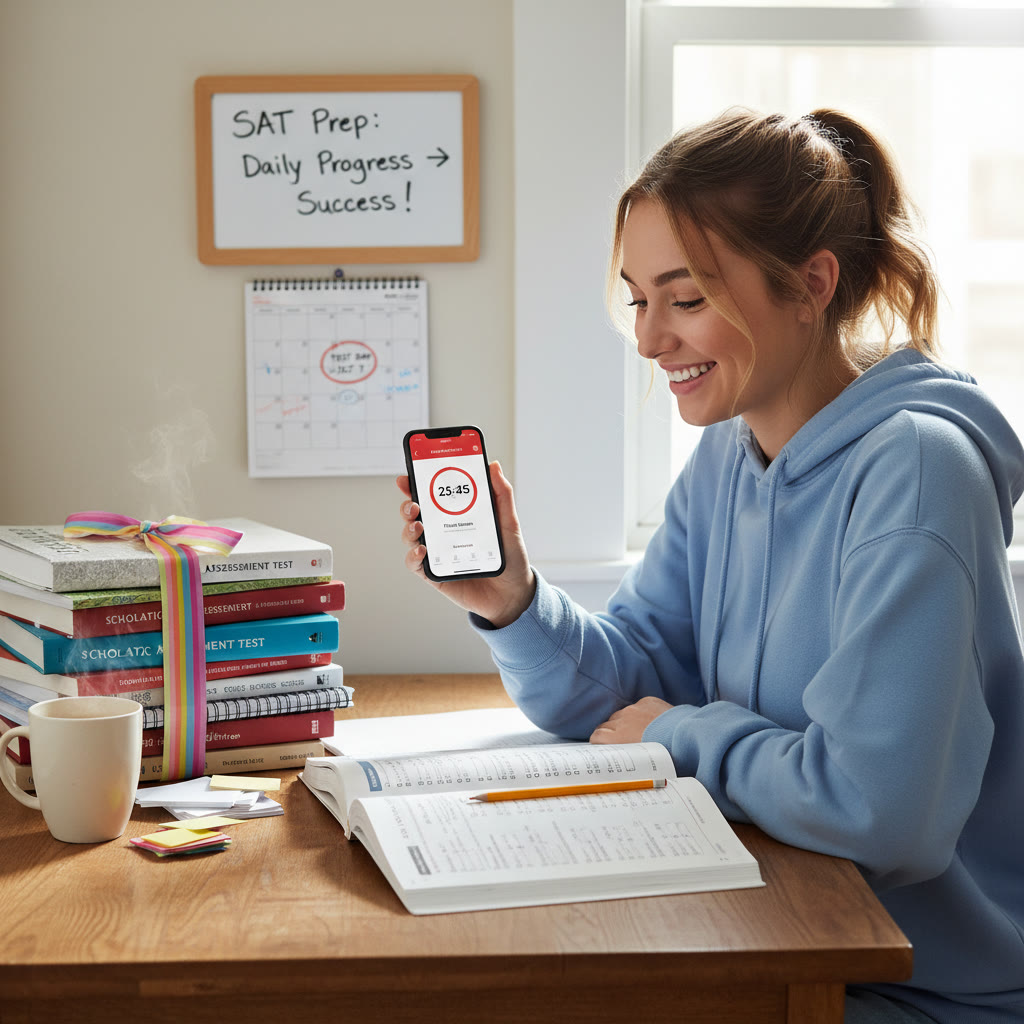

Introduction: Why Time Tracking Isn’t Just About Counting Minutes
Raise your hand if you’ve ever opened a study planner with the best intentions, only to later realize you spent half an hour doomscrolling and an hour redoing algebra problems because you forgot which topics you’d already covered. You are not alone. The difference between busy and productive is often visible in numbers—and that’s where time-tracking apps shine for SAT prep.
When used well, a time-tracking app does more than record hours. It becomes a coach that helps you: notice patterns, prioritize weaknesses, compare focused practice against careless repetition, and align study time with measurable score improvements. This post shows how to set up tools, what metrics matter, and how to interpret the data so that every minute counts toward a higher SAT score.
Quick overview: The SAT you’re prepping for
Before we talk about tracking, it helps to be clear about what you’re tracking. The modern SAT has two main sections: Evidence-Based Reading & Writing (which includes Reading and Writing & Language) and Math (with calculator and no-calculator portions). The optional Essay was discontinued in 2021, so your prep should focus on question types, timing, and strategy across these sections.
Why use a time-tracking app for SAT prep?
- Accountability: Recording time creates a gentle accountability loop—when the numbers are visible, you’re likelier to stick to study promises.
- Quality over quantity: Apps help separate total time from focused, distraction-free time.
- Targeted practice: Tagging sessions by topic (e.g., algebra, passage-based reading, grammar rules) shows where you’re overspending or underspending.
- Predictable progress: Correlating minutes studied with practice-test performance uncovers which activities produce the most score improvement.
- Better planning: Data turns vague intentions into realistic weekly goals.
Choosing the right app (and how to think about features)
There are many time-tracking tools—some minimalist, some science-driven. Choose one that feels comfortable so you’ll actually use it. Look for:
- Easy session start/stop or Pomodoro integration so you aren’t frustrated mid-study.
- Tags or categories so you can label sessions by section and topic.
- Daily and weekly reports for spotting trends, not just a raw log.
- Optional manual editing to correct mistakes (a 5-minute wrong tap shouldn’t wreck your week).
- Export or summary snapshots so you can share progress with a tutor or mentor.
Setting up your time-tracking system: categories, tags, and templates
Make your tracking reflect the SAT’s structure and your study needs. Use 4–8 tags or categories and keep them consistent. Here’s a practical setup:
- Reading
- Writing & Language
- Math—No Calculator
- Math—Calculator
- Mixed Practice / Full Sections
- Timed Practice Test
- Review & Error Log
- Strategy / Test Day Simulations
Note: If your app supports sub-tags, add topic-level tags like “algebra,” “data analysis,” “sentence structure,” or “paired passages.” That later allows you to see not just how long you studied math, but which math topics you practiced most.
Daily and weekly routines: how to log useful sessions
Good tracking comes from realistic routines, not extreme discipline. Here’s a sample week to model and then adapt:
- Short, focused sessions during weekdays: 25–50 minutes using a Pomodoro technique for active practice or problem sets.
- Longer sessions on weekends: 90–180 minutes for mixed sections, drills, or full practice tests.
- Post-practice review session: 20–40 minutes logging errors into an error bank and tagging why you missed each question.
- Weekly metric review: 30 minutes on Sunday to inspect trends and set goals for the next week.
Metrics that actually matter
Not all numbers are equally useful. Focus on actionable metrics that connect to score improvement:
- Total focused study time (per week)
- Percentage of focused vs. distracted time (if your app measures focus)
- Time by section and by topic (e.g., minutes on algebra vs. geometry)
- Number of timed practice sections and full-length practice tests
- Review time (minutes spent reviewing mistakes and consolidating concepts)
- Performance trends: average score on practice tests and per-section accuracy
Important nuance: raw hours don’t equal gains. A 120-minute session of passive review probably helps less than three 30-minute focused sessions with targeted practice and review. That’s why tracking both duration and activity type matters.
Example: How to read your weekly dashboard
Imagine your time-tracking app gives you a simple weekly snapshot. Here’s a small example table that shows how to present and interpret that data effectively. Use it as a template for your own dashboard.
| Week | Total Focused Time (hrs) | Practice Tests | Avg. Practice Score | % Time Review | Top Focus Topics |
|---|---|---|---|---|---|
| Week 1 | 8 | 0 | — | 20% | Algebra, Passage Reading |
| Week 2 | 10 | 1 (Sectional) | 1180 | 25% | Grammar, Data Analysis |
| Week 3 | 12 | 1 (Full Test) | 1210 | 30% | Algebra II, Paired Passages |
How to read this: the student increased focused time and review percentage and saw a 30-point bump from Week 2 to Week 3. That suggests the extra review time—error bank work and targeted drills—was paying off. If time rises without score improvement, dig into the type of practice you’re doing.
Pairing time data with quality checks
Tracking time without qualitative checks is like tracking calories but never checking nutrition. Combine time data with regular quality signals to know if your minutes are effective:
- Practice test scores (every 2–3 weeks)
- Per-topic accuracy (e.g., percent correct on algebra problems in the last 50 questions)
- Speed checks (average time per problem type)
- Error classification: careless vs. knowledge gap vs. strategy error
Every time you tag an error in a review session, log why it happened. Over weeks, those tags will reveal whether more hours or different techniques are needed.
How to discover high-leverage activities
Not every study activity moves the score needle equally. Use your tracker to answer: which activities give the best point return per hour?
- Targeted problem sets: For many students, doing 20–40 focused problems on weak topics yields bigger gains than re-reading strategies guides.
- Review of errors: Fixing mistakes from recent practice improves retention and prevents repeat errors.
- Full timed sections: Helps rhythm and pacing, which often unlock raw points on the SAT.
- Mini-tests: Short, timed blocks simulate pressure and can highlight timing weak spots.
Track these activities separately. After a month, compare score changes to hours spent on each activity—this is your personal return-on-investment (ROI) for study strategies.
Sample weekly tracking plan (with timing and goals)
This plan assumes roughly 10–12 focused hours per week, a common target for students with busy schedules. Tweak it up or down based on your timeline and baseline score.
- Monday: 40 minutes Reading (passage practice + quick review of missed questions)
- Tuesday: 50 minutes Math—No Calculator (targeted algebra practice)
- Wednesday: 40 minutes Writing & Language (grammar drills + sentence structure)
- Thursday: 50 minutes Math—Calculator (data analysis + problem sets)
- Friday: 30 minutes Review & Error Log (tag mistakes, plan follow-ups)
- Saturday: 2–3 hour block—timed practice section or two + review
- Sunday: 1 hour—strategy work, pacing, and weekly dashboard check with goals for the next week
Integrating a tutor or coach with your time data
Using your time-tracking summaries with a tutor can be a force multiplier. Instead of saying, ‘I studied nine hours,’ you can show how those hours were distributed, where focused time lagged, and which error patterns persist. Tutors—especially those offering 1-on-1 guidance and tailored plans like Sparkl’s personalized tutoring—can use these insights to adjust the curriculum, prioritize weak topics, and suggest activities with the best ROI.
Using time data to prevent burnout and overtraining
More hours don’t always equal better scores. Time tracking helps you notice plateaus and fatigue. If your weekly tracked focused time jumps but scores stagnate or drop, consider:
- Shortening sessions and increasing review quality.
- Adding intentional breaks and active recovery days.
- Switching modalities (watch a lesson, then solve problems, then teach the concept aloud).
Modern tutoring programs use both human insight and AI-driven insights to detect these plateaus early and suggest sustainable adjustments—so you study smarter, not harder.
Common pitfalls and how to avoid them
- Over-tracking: If you spend more time fiddling with tags than studying, simplify your categories.
- Dishonest logs: Record honestly. Inaccurate data creates misleading trends.
- Ignoring follow-through: Track time, but also schedule the concrete next step after each review session (e.g., ‘work on 15 algebra problems tomorrow’).
- Neglecting rest: Tracking should include rest and sleep indirectly—if your tracker shows late-night sessions before practice tests, you might be underrecovered.
Real-world example: Sara’s 8-week journey
Sara started with a 1150 practice test. She committed to a time-tracking habit: 10–12 focused hours weekly, tagged carefully, and one full practice test every two weeks. Her key moves:
- She discovered she spent 60% of her math time on geometry but was missing most algebra questions. She reallocated 40% of her math time to algebra.
- She increased review time to rework mistakes and logged error reasons: careless, conceptual gap, or timing. Most of her errors were conceptual.
- With tutor-guided sessions and data-driven adjustments, she converted many conceptual errors to correct answers. After eight weeks, her practice-test score rose from 1150 to 1280.
Sara used a combination of honest tracking, focused review, and targeted tutoring sessions—demonstrating how time tracking plus expert guidance can accelerate progress.
How to combine app data with practice-test analytics
Practice-test analytics tell you what to fix; time tracking tells you whether you fixed it. Keep both in sync:
- After each practice test, add tags for the top 3 areas to target next week.
- Allocate specific hours in your tracker to those topics and label them as such.
- Measure whether the per-topic accuracy improves on the next practice test. If not, change the activity type—switch from passive review to active problem sets or tutoring.
When to escalate to personalized tutoring
If your tracker shows steady, focused hours but scores are flat—or if data shows repeated conceptual gaps in core areas—consider personalized help. A tutor offering 1-on-1 guidance, tailored study plans, expert tutors, and AI-driven insights can:
- Interpret noisy data and prioritize the highest-impact gaps.
- Provide immediate feedback on problem-solving methods.
- Design drills that directly address recurring error types.
Used in combination, your app and a smart tutor create a feedback loop: track, act, measure, adjust.
One last practical checklist before you start
- Pick a simple app and set up consistent tags for sections and topics.
- Decide on a realistic weekly focused-hour goal based on your schedule.
- Commit to a short weekly review of your tracked data (30 minutes max).
- Link tracked activities to measurable outcomes: practice-test scores, per-topic accuracy, and error-type frequency.
- Be honest with logs—quality data leads to quality decisions.
Suggested images
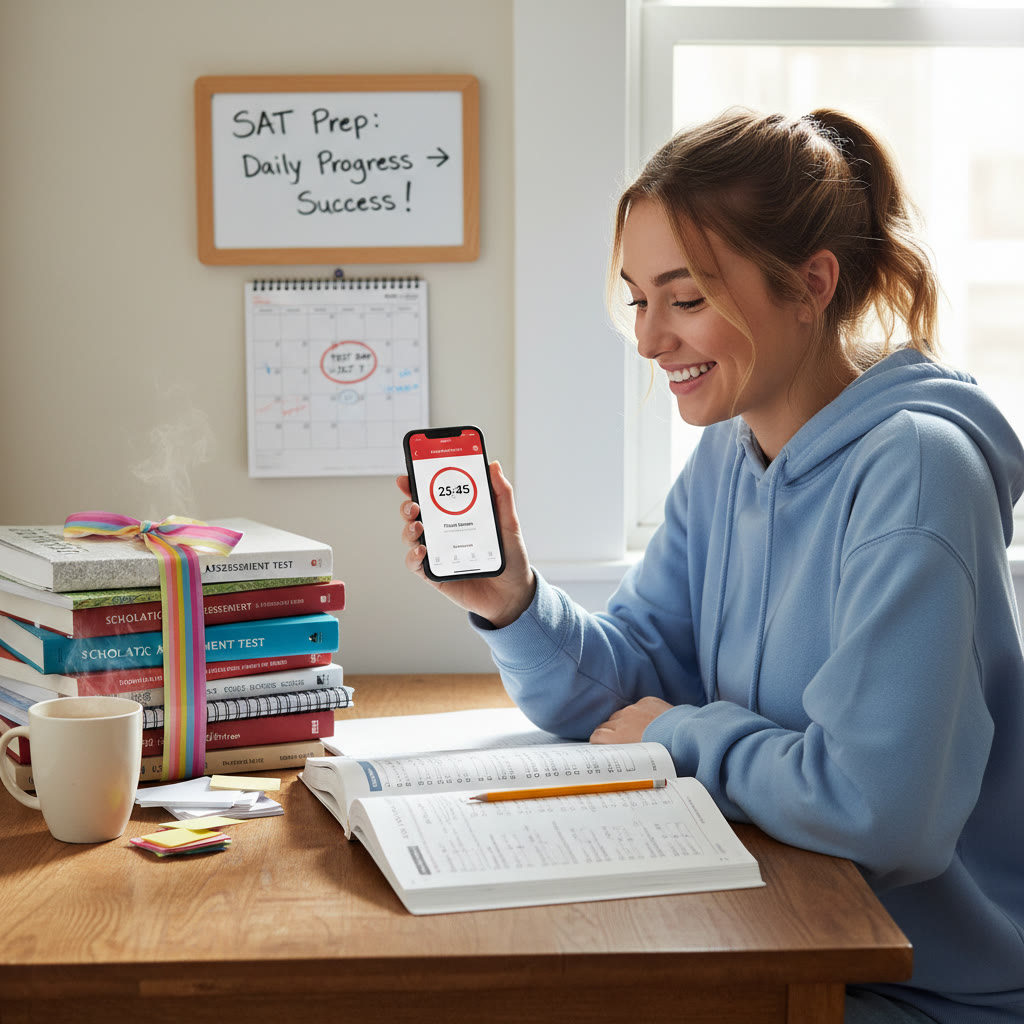

Conclusion: Make minutes meaningful
Time-tracking apps transform vague good intentions into clear, improvable habits. They show you not just how long you study, but where you spend your mental energy and which activities deserve more—or less—attention. The best approach blends honest tracking, regular quality checks, and targeted action. When you pair that with occasional expert guidance—such as tailored plans and one-on-one sessions that can interpret your data and design higher-ROI practice—you build a study system that’s efficient, measurable, and motivating.
Start small: pick one app, commit to consistent tags, and review weekly. Over time, the numbers will tell a story—one where focused effort turns into predictable score gains. And if you ever feel stuck, a personalized tutor can read your data with you and help choose the next right step so those tracked minutes turn into real improvement.
Ready to get started?
Open your timer, pick one focused task for today, and track it honestly. Consistency beats intensity. Let your data guide the next move—and watch how intentional minutes stack into a better SAT score.





















No Comments
Leave a comment Cancel