

Why balancing screen time matters for Digital SAT success
Preparing for the Digital SAT brings a new reality: your practice, mock tests, and even the test itself happen on a screen. Screens are powerful study tools — fast, flexible, and full of practice materials — but they can also drain focus, disrupt sleep, and create burnout if you don’t manage them intentionally. This post is a friendly, realistic guide to keeping your eyes, brain, and schedule in sync so you get the advantages of digital prep without the cost to your wellness or performance.
What’s different about the Digital SAT (and why screen habits matter)
The Digital SAT shortens the test and uses the Bluebook testing app for delivery, meaning you’ll be reading, answering, and navigating questions on a laptop, tablet, or approved device. Because the medium is the message here, how you interact with screens while studying affects:
- Concentration: Long, unfocused sessions lead to sloppy reading and avoidable mistakes.
- Endurance: On test day you’ll sit and engage with a screen for an extended time — practicing stamina matters.
- Sleep and recall: Evening screen overuse can reduce sleep quality and memory consolidation.
- Device fluency: Fine motor skills like scrolling, highlighting, and navigating the Bluebook app become part of your test toolkit.
Set up for success: tech readiness and a screen-friendly environment
Before you worry about time limits or strategy, make sure the basic tech side is handled so screens help instead of distract.
Device and app prep checklist
- Use an approved device and install the Bluebook app well in advance so you can practice with the same interface you’ll use on test day.
- Set the device to a comfortable display setting: reduce blue light in the evenings, increase text size if needed, and set a neutral background to ease reading.
- Turn off unnecessary notifications or use a focus mode during practice sessions.
- Have a backup plan: if your primary device has issues, know where to borrow or quickly switch to another approved device.

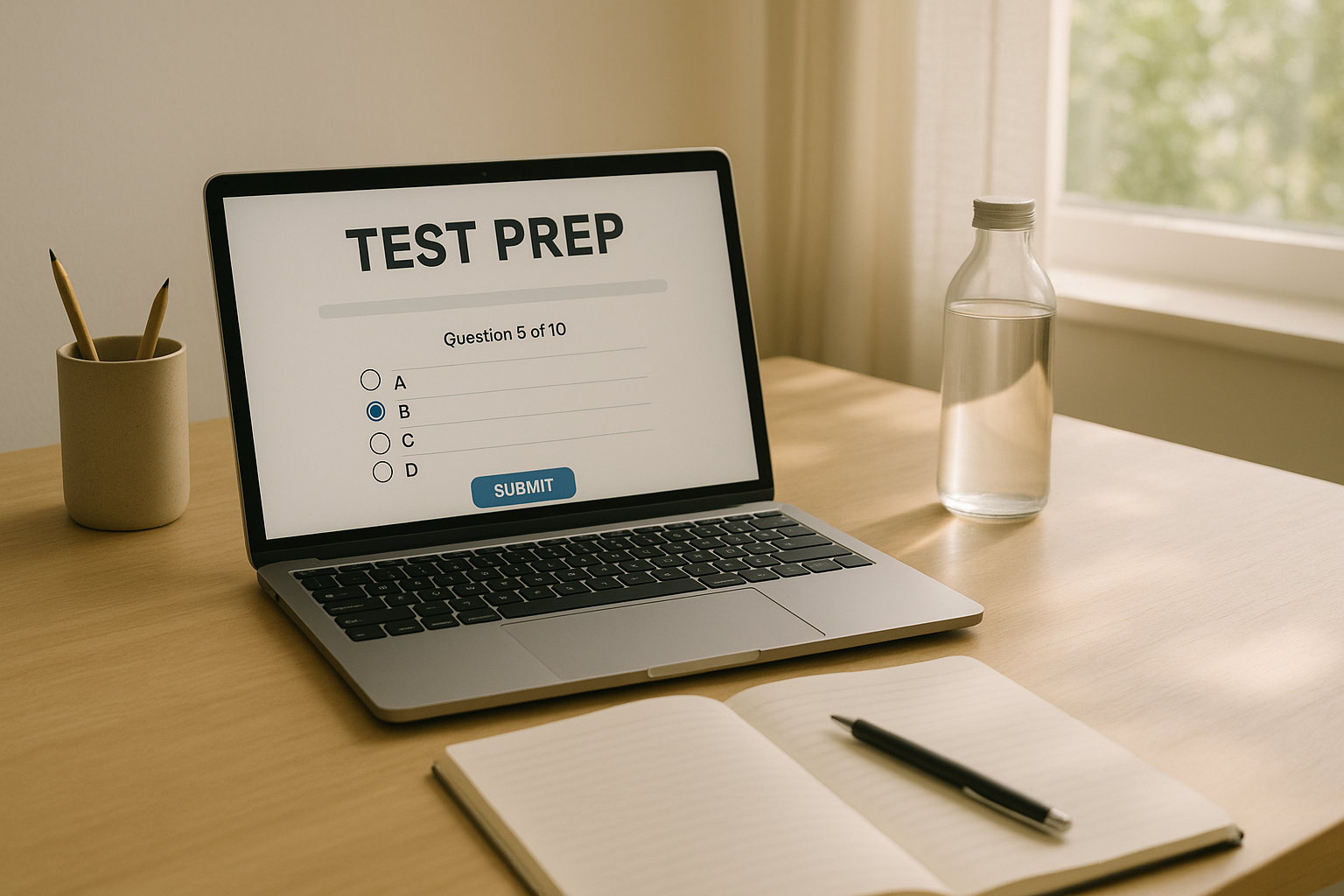
Design a screen-friendly study space
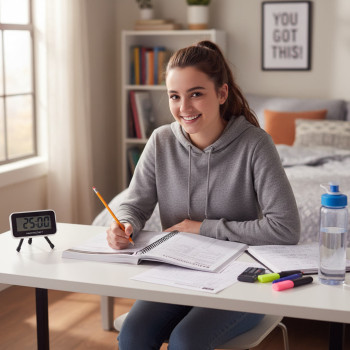
A comfortable chair, good lighting, and minimal clutter make long digital practice less draining. Natural light is ideal; when that’s not possible, use a soft, indirect lamp that reduces glare on the screen. Keep a physical notepad and pencil nearby — even with a digital test, quickly jotting notes by hand can help you process information and give your eyes a break.
Smart scheduling: divide screen time, protect focus
How you segment study time matters as much as how many hours you study. The goal is to maximize deep work windows and build stamina without overloading your eyes or patience.
The 90/20 rule — stamina and recovery
Study blocks of 60–90 minutes on-screen, followed by a 15–20 minute break. This rhythm mimics cognitive stamina: you push during focused time, then recharge before attention drops. During breaks, avoid screens — stand, stretch, step outside, or do light movement.
Daily structure that balances digital and analog
Mix in off-screen activities that reinforce learning: handwritten notes, flashcards, reading printed passages, or talking through problems with a study partner. A sample weekday routine might look like this:
- 5:30–6:00 PM — Warm-up (paper-based vocabulary flashcards or mental math).
- 6:00–7:30 PM — Digital focused practice (timed section on Bluebook-style interface).
- 7:30–7:50 PM — Movement break, light snack, screen-free.
- 7:50–8:30 PM — Review mistakes on paper, rewrite key ideas by hand.
Techniques for focused digital practice
When you’re on the screen, quality beats duration. Use strategies that strengthen attention and mirror test conditions.
Active reading and purposeful scrolling
On the Digital SAT, you’ll scroll and click — but don’t let that become passive skimming. Try this active reading routine:
- Preview: glance at passage headings or first sentences to grasp the structure.
- Question: before diving into each paragraph, ask what the author’s goal is.
- Annotate: use the app’s highlighting or a notebook to mark claims, evidence, and confusing turns.
Timed micro-practice to build speed without sacrificing accuracy
Instead of doing hour-long untimed batches, use short timed drills that target one skill (e.g., data interpretation, command of evidence). That improves reaction time and builds a “muscle memory” for clicking through questions and using on-screen tools efficiently.
Protect your eyes and brain: health-first screen strategies
Preparation is physical as well as mental. The Digital SAT is a test-day physical challenge — like running a mental marathon — so treat your body with the same respect you’d give a training athlete.
Eye-care habits that keep you fresh
- Follow the 20-20-20 rule: every 20 minutes, look at something 20 feet away for 20 seconds.
- Blink intentionally when you notice dryness; keep water at your desk and stay hydrated.
- Use blue-light filters in the evening to protect melatonin production and sleep quality.
Sleep, nutrition, and movement matter
High-quality sleep is the most powerful study tool. Aim for consistent bedtimes and wind-down routines that are screen-free for at least 30–60 minutes before sleep. Fuel your study sessions with balanced snacks — protein plus complex carbs — and break up long practice with brisk walks or short yoga stretches to reset blood flow and focus.
Study techniques that lower overall screen load
You don’t have to do everything digitally. Deliberate substitution can reduce screen hours without sacrificing results.
Hybrid study methods
- Print a few practice passages and do them on paper — especially for reading comprehension and sentence structure practice.
- Create handwritten cheat sheets summarizing strategies (e.g., approaches to math grid-in, common grammar rules).
- Record yourself explaining problem solutions aloud and listen back during low-screen times (commute, chores).
Low-tech repetition
Flashcards, oral rehearsals, and whiteboard problem solving reinforce memory without additional screen exposure. Use these for vocabulary, formulas, and quick review sessions.
Use practice data wisely: quality feedback over quantity
More practice tests don’t always equal more improvement. Focus on deliberate review and targeted practice.
How to interpret your practice test results
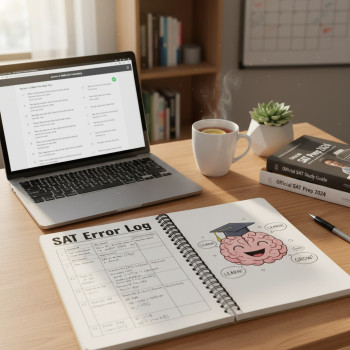
After any full-length digital practice, spend at least as much time reviewing mistakes as you spent taking the test. Categorize errors: careless, concept gap, or time-related. That helps you prioritize future sessions — and reduces unnecessary repeats that only increase screen time.
| Error Type | Root Cause | Fix | Screen Time Impact |
|---|---|---|---|
| Careless | Rushed reading or mis-click | Slow down, practice micro-timing drills | Low (fixable with strategy) |
| Concept Gap | Missing content or misunderstanding | Targeted lessons, practice on specific skills | Moderate (focused study increases screen time but is efficient) |
| Time-Related | Poor pacing, test anxiety | Build pacing strategy, simulate test timing | High initially (timed practice) but reduces over time |
When to bring in outside help — and how tutoring can reduce screen burnout
Sometimes the smartest way to reduce overall screen time is to make the hours you do spend on screens more effective. That’s where focused tutoring can help.
How one-on-one guidance helps
Personalized tutoring identifies your weak points and gives you a targeted plan so you don’t waste hours guessing what to practice. With an expert tutor, each digital session is intentional — fewer wasted drills, clearer explanations, and structured review. If you’re considering help, Sparkl’s personalized tutoring offers 1-on-1 guidance, tailored study plans, expert tutors, and AI-driven insights that help prioritize practice so your screen hours work harder for you.
Group vs. one-on-one: why specificity beats breadth
Group classes can be motivating, but individual tutoring compresses progress. A tutor can spot the exact habits that cause careless mistakes (rushing, misreading, or poor navigation in the Bluebook app) and coach you through realistic, screen-friendly drills that build efficiency and reduce total study time.
Practical routines: samples you can adopt today
Below are two sample weekly plans: one for a student with limited daily time, and one for a student with more availability. Both balance digital practice with off-screen activities, recovery, and deliberate review.
Sample schedule: Busy student (1–1.5 hours/day)
- Monday — 60 min: 30 min digital math drill (timed), 15 min break, 15 min handwritten review.
- Tuesday — 60 min: 30 min reading passage on paper + 30 min vocabulary/flashcards (offline).
- Wednesday — 90 min: Full section in Bluebook-style timed practice; 20 min break; 10 min summarize mistakes on paper.
- Thursday — 60 min: Targeted grammar practice paper-based; 15 min walk.
- Friday — 60 min: Quick mixed drill online (timed) + review with tutor or peer discussion.
- Weekend — 2–3 hours: practice test simulation once every other week, plus active review sessions.
Sample schedule: Focused student (2.5–3 hours/day)
- Daily structure: two main study blocks (90 minutes each) with at least 30–45 minute screen-free activities between them.
- Block 1 — Skill building (math or grammar drills online), followed by 20 minutes of handwritten error analysis.
- Block 2 — Reading practice (rotate digital passages and printed ones) and a 20-minute low-effort activity (walk or chores).
- Weekly — one full-length digital practice under test conditions; next day, deep review and tutoring session to target mistake patterns.
Test day screen strategies and calming rituals
On test day, you want your device familiarity and screen habits to be invisible. That comes from a checklist and a few calming rituals.
Pre-test checklist
- Bluebook app installed and test setup completed weeks ahead of time.
- Device fully charged and charging cable packed (if allowed) or a plan for backup device access.
- Sleep, hydration, and a calming pre-test routine that avoids heavy screen use the night before.
Calming rituals for focus
Practice a 2–3 minute breathing routine between sections to reset attention. If you feel screen fatigue during the test, blink slowly, refocus on a distant point for a few seconds during your break, and breathe. These tiny resets help reduce careless errors from visual strain or mental drift.
Measuring success: when your screen strategy is working
How will you know the balance is right? Look for measurable signs of progress that don’t just depend on hours logged.
Progress indicators
- Improved accuracy on timed drills with the same or slightly less screen time.
- Faster, more consistent pacing in full-section practice.
- Better sleep quality and fewer headaches during intensive prep weeks.
- Clearer error patterns and shorter review cycles — you spend less time aimlessly practicing and more time fixing the right things.
Wrapping up: a balanced approach wins
The Digital SAT doesn’t have to mean endless hours in front of a screen. With deliberate device preparation, intelligent scheduling, hybrid study techniques, and a health-first mindset, you can preserve your energy, sharpen your focus, and make every minute count. If you ever feel stuck or overwhelmed, consider personalized support: a tutor can create a tailored plan, accelerate weak-skill recovery, and reduce the number of practice hours you need to see gains. For many students, Sparkl’s personalized tutoring — with 1-on-1 guidance, tailored study plans, expert tutors, and AI-driven insights — fits naturally into a balanced prep strategy, making study time more efficient and less exhausting.
Remember: this is a marathon, not a sprint. Protect your eyes, protect your sleep, and practice with intention. When you treat screens as tools rather than the whole job, you’ll arrive on test day confident, rested, and ready to show what you know.
Quick checklist to take away
- Install and practice with Bluebook on your actual test device weeks ahead.
- Use focused study blocks (60–90 mins) with screen-free breaks.
- Mix digital practice with paper-based exercises to reduce eye strain.
- Follow the 20-20-20 rule and prioritize sleep and nutrition.
- Review mistakes deliberately — quality feedback beats quantity of practice.
- Consider one-on-one tutoring to make screen time more effective and efficient.
Good luck — and remember: balanced, thoughtful practice builds both skill and stamina. You’ve got this.

















No Comments
Leave a comment Cancel