
Why the Create Task Matters (More Than You Think)
The AP Computer Science Principles (CSP) Create performance task is not just a checkbox on your AP journey — it’s a showcase. It contributes 30% of your final AP score and demonstrates your ability to plan, build, and explain a working program. Unlike multiple-choice questions that test recognition and recall, the Create task shows your design sensibility, problem-solving process, and capacity to communicate technical ideas clearly. In short: do it well, and your score will reflect not just what you know, but how you think.
How Exemplar Projects Earn High Scores: A Rubric-First Mindset
Scorers use a rubric. That might sound obvious, but many students treat the Create task like a mini-hackathon: build something cool and hope the graders appreciate it. The smarter approach is to plan your project around the rubric categories. When you center your work on what scorers are explicitly looking for, you’re not gaming the system — you’re communicating clearly and making it easy for your effort to be recognized.
Key Rubric Elements to Prioritize
- Program Functionality: Does the program run? Does it do what you claim?
- Purpose and Context: Is there a clear, defensible problem the program addresses?
- Algorithms and Abstractions: Are algorithms described and justified? Are data and procedural abstractions used effectively?
- Testing and Debugging: Did you test systematically? Are errors addressed and iterations documented?
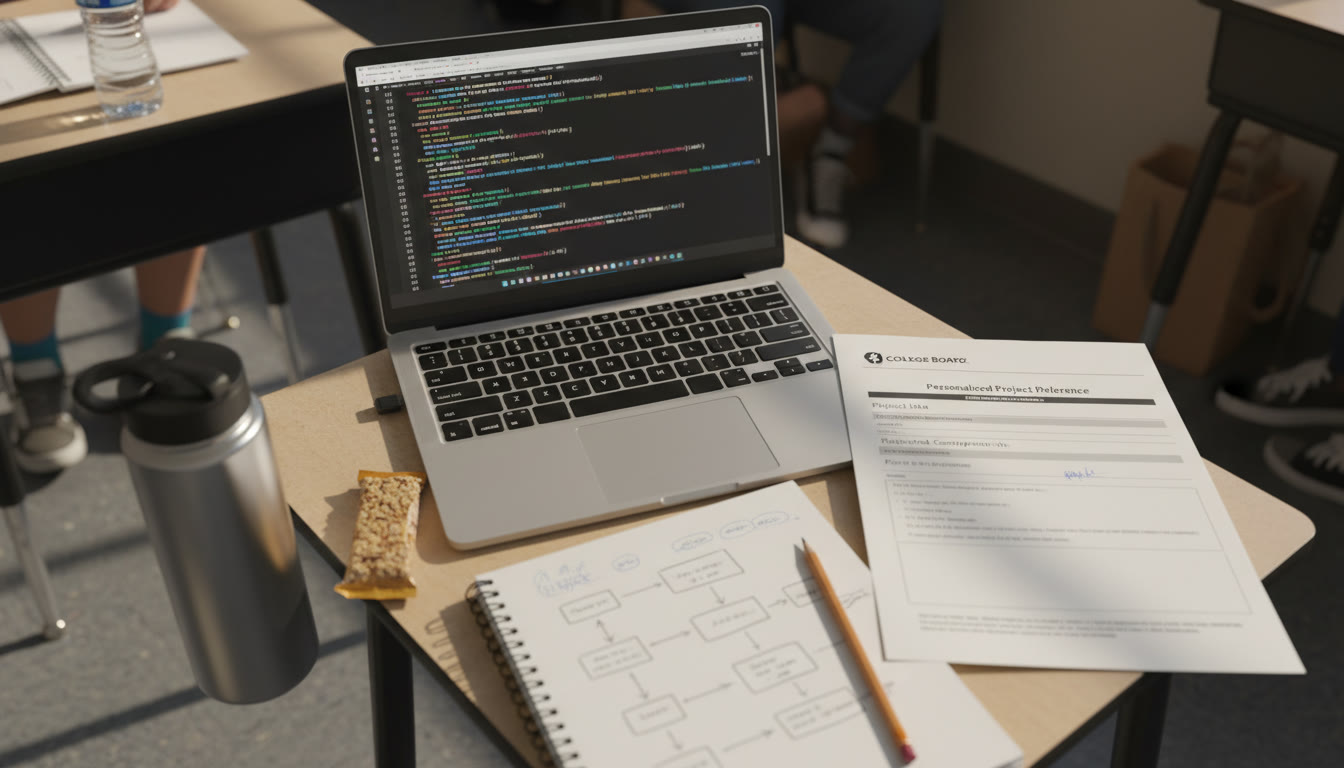
- Personalized Project Reference (PPR): Is the PPR clear, contains the required screen captures, and matches the submitted video and code?
When you design your Create task, every section you create should have a direct line to one or more rubric elements. That mapping is how you turn a nice project into a high-scoring exemplar.
Deconstructing High-Scoring Exemplars: What They All Have in Common
Across many successful Create submissions, certain patterns emerge. These aren’t secrets — they’re practical habits you can adopt. Below I break them down into concrete examples so you can use them as a checklist.
1. A Narrow, Well-Motivated Purpose
High-scoring projects avoid vague goals. Rather than “make a game,” top exemplars say, “create a game that helps users practice fraction addition through adaptive difficulty that adjusts to response time and accuracy.” That specificity accomplishes three things:
- It gives you measurable success criteria (e.g., accuracy improvement, response time reduction).
- It clarifies which inputs, outputs, and states your program needs.
- It anchors your testing strategy: you can design tests that show the program meets the purpose.
2. Clear, Commented Code with Logical Structure
Top examples include readable variable names, modular functions/procedures, and comments that explain why—not just what. The PPR must include the code that scorers will inspect, so make readability a priority. Aim for a structure where each function has a single responsibility and is small enough to be understood in isolation.
3. Intentional Use of Abstractions
Abstractions—both data and procedural—are not just for show. Scorers look for students to group related data into structures and to encapsulate repeated behavior into functions or methods. High scorers demonstrate how abstractions simplify logic and improve maintainability, and they mention those benefits explicitly in their written explanations.
4. Thoughtful Algorithm Design and Explanation
Don’t just paste code—describe the algorithm in plain language in the PPR or video. Explain why the algorithm was chosen, how it works, and discuss complexity or trade-offs if relevant. Even simple algorithms can score highly if their purpose and design are clearly articulated.
5. Rigorous, Documented Testing
High-scoring exemplars include test cases that cover normal operation, edge cases, and expected failures. They document a debugging cycle: what the tests revealed, how the code was adjusted, and why those changes improved correctness or user experience.
Example Deconstruction: From Idea to Rubric-Aligned Submission
Walk with me through a fictional but realistic high-scoring Create project, step-by-step. This will show how design choices map directly to rubric items.
Project Idea: Study Buddy — Adaptive Quiz Generator
Purpose: Create a program that generates short quizzes for vocabulary practice and adapts question difficulty based on user performance and response time.
How This Maps to the Rubric
- Program Functionality: Generates quizzes, measures accuracy and time, adjusts difficulty.
- Algorithms: Uses weighted random selection and moving-average difficulty calculation.
- Abstractions: Question objects and a QuizManager class encapsulate behaviors.
- Testing: Unit tests for scoring, integration tests for adaptation loop, edge case tests for zero attempts.
Sample Table: Project Milestones and Rubric Evidence
| Milestone | Work Completed | Rubric Evidence |
|---|---|---|
| Define Purpose | One-paragraph problem statement and measurable success criteria | Purpose and Context |
| Design | UML-like diagram, data model for question objects, algorithm pseudocode | Algorithms and Abstractions |
| Implementation | Readable code with classes and functions, inline comments | Program Functionality; Abstractions |
| Testing | Test script, test log with bug fixes and outcomes | Testing and Debugging |
| PPR and Video | Screen captures of code, list and procedure screenshots, 2-minute demo video | PPR Completeness; Program Demonstration |
Practical Tips: What to Do Week by Week
Organize your time so you don’t scramble at the end. Here’s a practical schedule for a typical semester-length timeline that gives you ample time to iterate and produce exemplar-level work.
Weeks 1–3: Idea, Purpose, and Planning
- Brainstorm ideas with a clear problem and user.
- Write a one-paragraph purpose statement and measurable success metrics.
- Sketch data structures and major functions.
Weeks 4–7: Core Implementation
- Implement main features; favor clarity over cleverness.
- Keep commits or logs showing progress; these can help your PPR narrative.
- Build modularly; test each piece as you go.
Weeks 8–10: Testing, Debugging, and Refinement
- Create test cases that show normal behavior and edge cases.
- Document at least two rounds of debugging and improvement.
- Start composing your PPR and identify which screen captures you’ll need.
Weeks 11–12: Video and Final PPR Assembly
- Record a concise video demonstrating key functionality and describing important algorithms.
- Assemble your Personalized Project Reference: required screen captures, your list and procedures screenshots, and the final code snapshot.
- Review everything once more and submit as final by the deadline.
Crafting a PPR That Makes Scorers’ Lives Easy
The Personalized Project Reference is your translator—scorers will use it to understand your code quickly. Follow these rules:
- Include only the required screen captures and code segments the rubric asks for.
- Label each screen capture clearly (e.g., “List: Vocabulary Bank — shows data structure and sample entries”).
- Keep the PPR concise and directly linked to your written responses on exam day: if the video claims an algorithm does X, a corresponding PPR section should show the related code and a screenshot of the relevant list or procedure.
Video Tips: Show, Don’t Just Tell
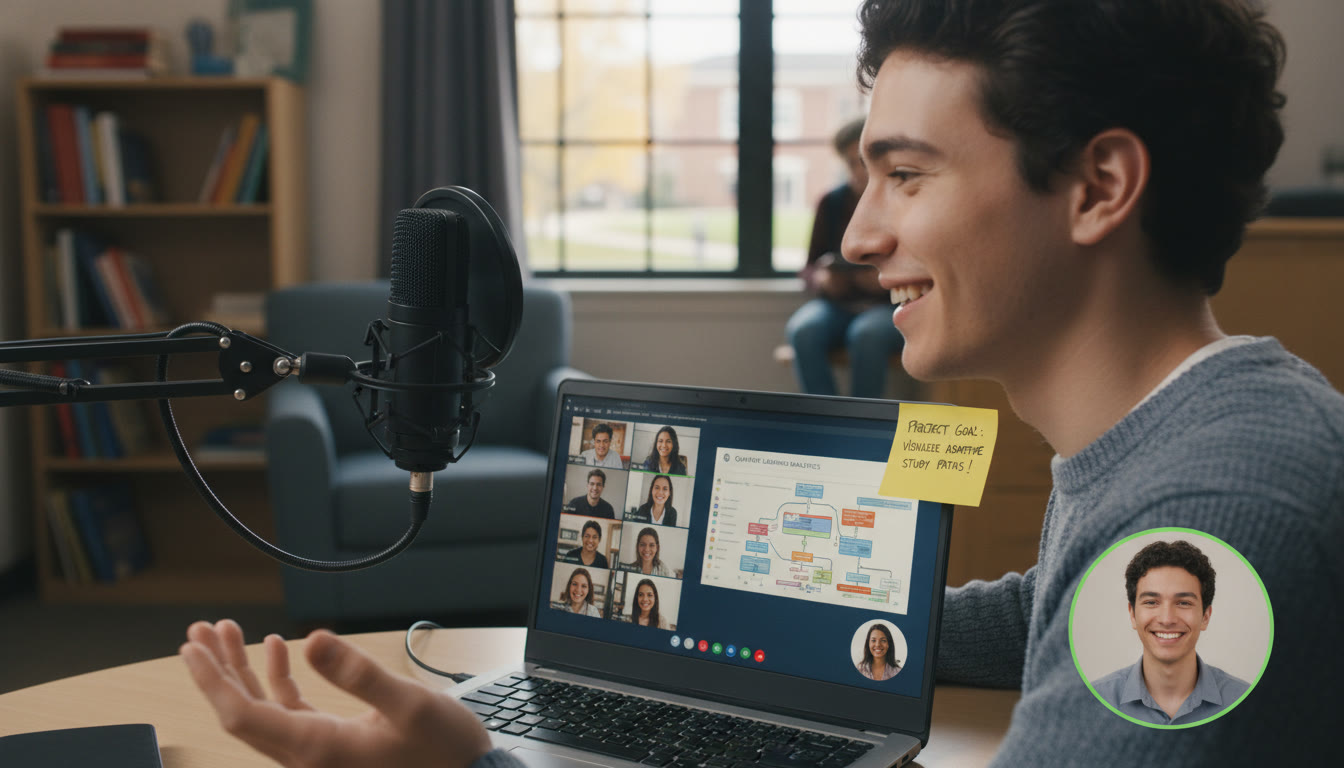
Videos should be short, clear, and deliberate. In two minutes you can:
- Briefly restate the purpose,
- Show the program running through one full cycle,
- Highlight one or two key algorithms or abstractions with an onscreen pointer or brief caption.
Common Mistakes That Turn Good Projects into Average Ones
A few recurring issues show up again and again in middling submissions. Avoid these pitfalls:
- Vague purpose statements that make it hard for scorers to know if the program meets its goal.
- Unreadable or unstructured code — if the PPR is hard to parse, scorers lose easy credit.
- Insufficient testing — a few meaningful tests are worth more than many superficial ones.
- Missing or mismatched artifacts — your video, PPR, and code must align; discrepancies raise red flags.
- Overreliance on third-party code without attribution — always cite and explain what you didn’t write.
How to Use Tutoring and Guided Feedback Effectively
One-on-one guidance can accelerate your progress, especially if it’s targeted and rubric-savvy. If you work with a tutor — whether it’s a teacher, mentor, or a service like Sparkl — focus sessions on:
- Rubric alignment reviews: have them map your work to rubric elements out loud.
- Code readability checks: get feedback on naming, structure, and comments.
- Testing strategy reviews: design tests together and critique the test log and debug notes.
Sparkl’s personalized tutoring can help by offering tailored study plans, expert tutors who understand the Create task expectations, and AI-driven insights you can use to prioritize revisions. Used well, targeted tutoring is not about rewriting your project — it’s about sharpening your story so the graders see the work you intended.
Real-World Context: Why This Task Prepares You for More Than an AP Score
The Create task mirrors real software practice: defining requirements, designing modular systems, iterating through tests, and producing documentation. These habits matter whether you’re heading into college CS courses, internships, or personal projects. Employers and professors value the same clarity you display in a high-scoring Create task — the ability to explain what you built, why, and how you validated it.
Quick Checklist Before You Submit
- Purpose statement is specific and measurable.
- Code is modular, commented, and follows naming conventions.
- At least two levels of testing documented with results and fixes.
- Abstractions are identified and justified in plain language.
- PPR contains required screen captures and matches your video and code.
- Video demonstrates functionality and highlights an algorithm or abstraction.
- All collaborators and third-party sources are cited properly; generative AI use is acknowledged where applicable.
Final Words of Encouragement (and a Smart Strategy)
Approach the Create task like a storyteller who also happens to love clean code. Tell the grader a clear story: here was the problem, here’s how I approached it, here’s the important code, and here’s how I proved it works. If you follow the rubric closely, document your reasoning, and seek focused feedback — whether from teachers, peers, or Sparkl’s personalized tutoring — you’ll turn your work from good to exemplar-level.
Remember: quality beats complexity. A small, well-tested, well-documented project that demonstrates understanding will almost always outscore an ambitious but messy one. Give yourself time to iterate, and treat the PPR and video as key components of your argument — they’re the translator between your code and the scorer’s evaluation.
Need a Next Step?
If you’re ready to move from planning to doing, pick a focused idea, write a one-sentence purpose statement, and create a minimal prototype that demonstrates the core interaction. Then iterate: add an abstraction, write one test, and document one debugging step. Rinse and repeat. With deliberate practice and rubric-centered revisions, that prototype grows into a Create submission that earns the score you worked for.
Good luck — and enjoy the process. The skills you build while preparing this task will pay off long beyond a single AP score.




























No Comments
Leave a comment Cancel