
Why Simulations and Virtual Labs Matter for AP Students
If you’ve ever wished a classroom experiment could pause, rewind, and let you change variables without the stress of broken glass or burnt Bunsen burners, welcome to the world of simulations and virtual labs. For AP students—especially those taking Biology, Chemistry, Physics, Environmental Science, or Computer Science—well-designed virtual experiments are not just convenient; they’re powerful tools that deepen understanding, let you explore edge cases, and build confidence for both the written and performance-style sections of AP exams.
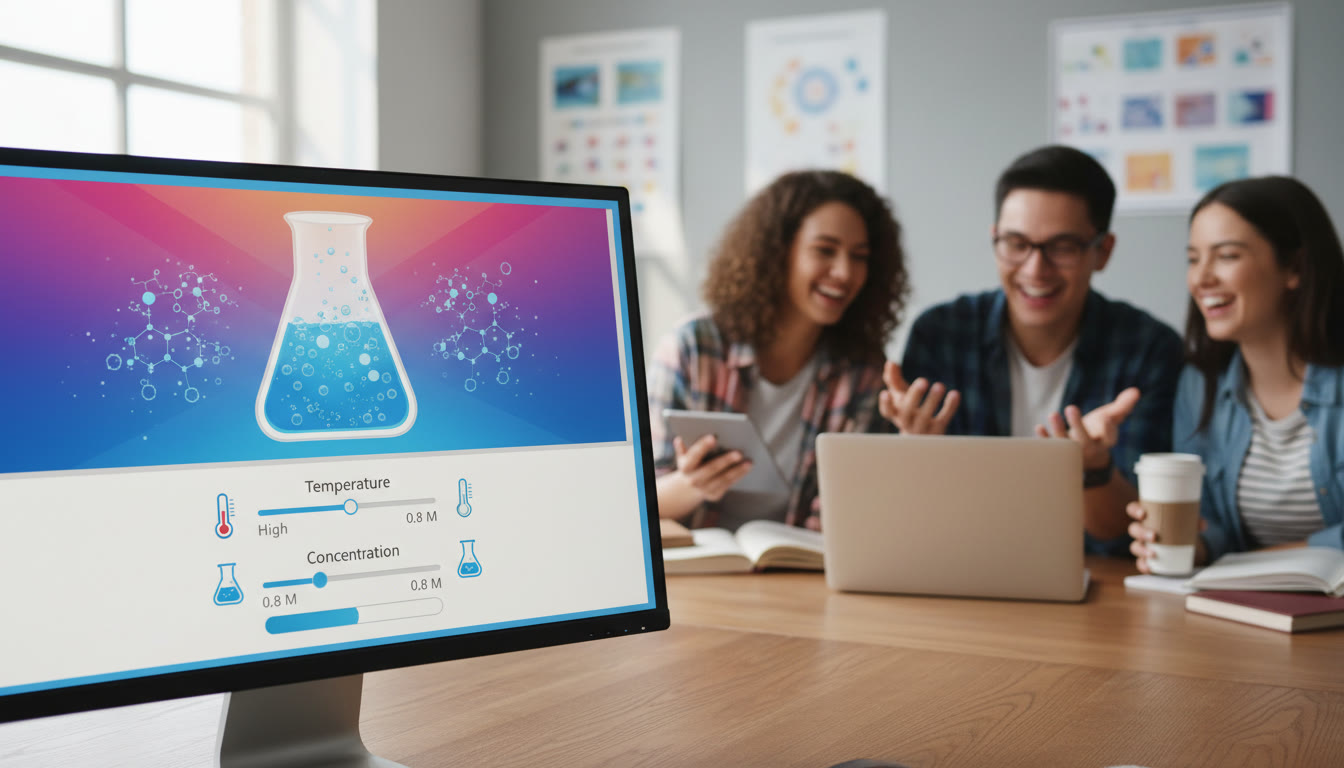
What simulations do better than traditional labs
- Repeatability: Run the same experiment multiple times instantly and study variation.
- Speed and scale: Compress long processes (like geological changes) into minutes.
- Safety and accessibility: Explore hazardous scenarios without risk.
- Cost-effectiveness: Access rare reagents, equipment, or environments virtually.
- Controlled variable testing: Adjust one factor at a time and see clean cause-and-effect.
How to Approach Virtual Labs Like a Scientist
Using simulations effectively isn’t about clicking around until something interesting happens. Adopt a scientist’s mindset: ask testable questions, form hypotheses, design careful trials, and analyze data critically. Below is a simple framework you can reuse for every simulation.
1. Define your learning objective
Before you launch a single simulation, be clear about what you want to learn. Is the goal to understand the relationship between pressure and volume for gases (AP Chemistry, AP Physics) or to observe predator-prey population dynamics (AP Biology, Environmental Science)? Write down a short objective in one sentence—this will keep your experiments focused.
2. Hypothesize
Make a concise, testable prediction. For example: “If temperature increases, the rate of reaction will increase until enzyme denaturation occurs.” A clear hypothesis forces you to think about mechanisms and expected outcomes—the heart of AP-level thinking.
3. Design controlled trials
Use the simulation’s settings to control variables. Change only one variable at a time if you want to establish causation. Record the exact settings and any “hidden” parameters the simulation lists (like resolution, step size, or numerical tolerances) because they can affect results.
4. Collect and analyze data
Treat the simulation’s output as real experimental data: take repeated measurements, calculate averages and standard deviations, and graph your results. Many virtual labs allow CSV export—use it. Practice describing trends and exceptions in precise scientific language; that’s the skill AP graders love.
Practical Techniques to Extract Maximum Learning
Below are actionable strategies students can use to turn virtual lab time into measurable gains on AP assessments.
Technique 1: The ‘Parameter Sweep’ Method
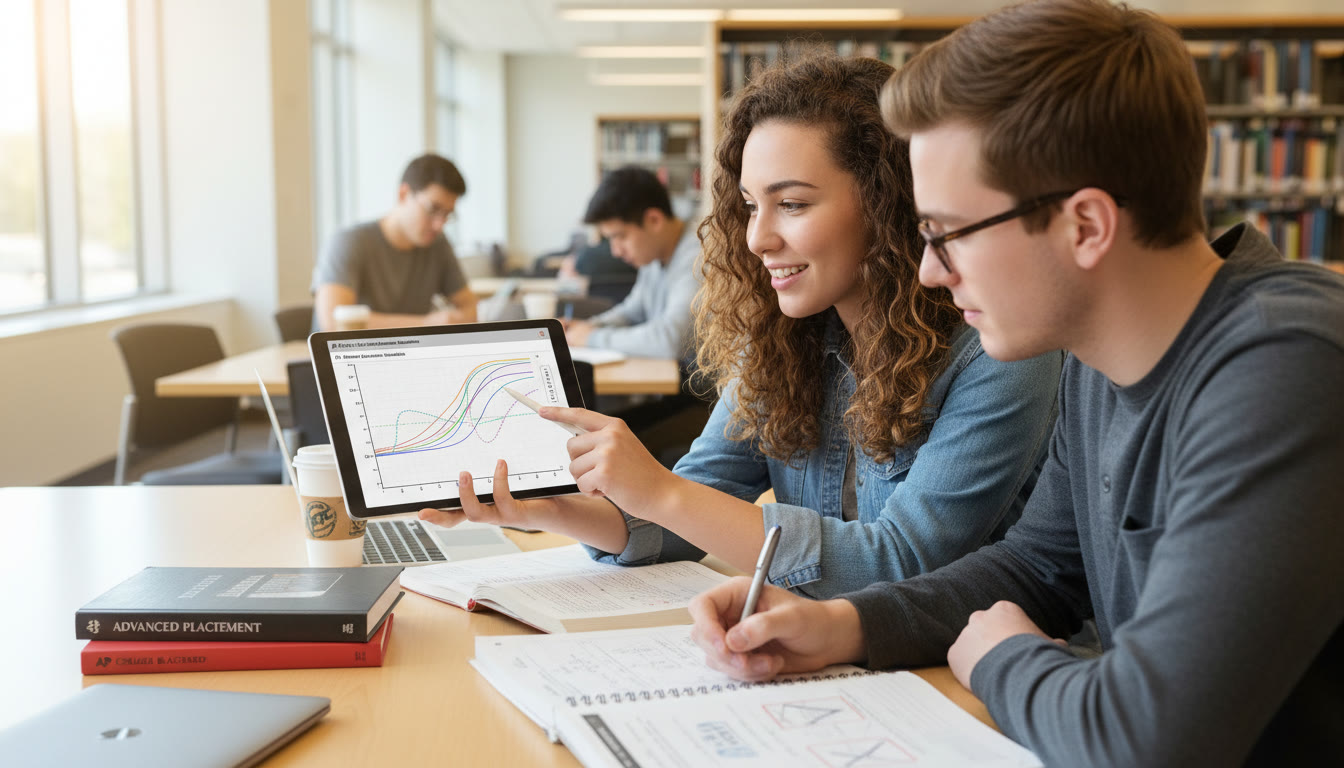
Instead of random adjustments, perform a systematic parameter sweep: change your independent variable across a broad, evenly spaced range. For example, in an AP Physics simulation on harmonic motion, run the mass from 0.1 kg to 2.0 kg in 0.1 kg steps and record the period each time. A parameter sweep gives you clean data for plotting and helps you practice fitting relationships (linear, quadratic, inverse square)—skills directly applicable to AP free-response questions.
Technique 2: Error Analysis in a Virtual World
Virtual environments may seem “perfect,” but good simulations model noise and measurement error. Treat your virtual measurements the same as physical ones: compute uncertainties, compare repeated trials, and discuss sources of error—numerical approximation, time-step resolution, or rounding. Writing a short error-analysis paragraph trains you to think critically and earns points on AP lab-style prompts.
Technique 3: Build Concept Maps from Experiments
After every virtual lab session, sketch a quick concept map linking the variables, observed outcomes, and underlying principles. For instance, after a simulation on diffusion, connect molecule size → diffusion rate → membrane permeability → real-world applications like drug delivery or gas exchange. Concept maps help transfer simulation insights to broader AP-style reasoning.
Using Virtual Labs for Specific AP Courses
Here are targeted ways to use simulations across the most common AP science courses.
AP Biology
- Model enzyme kinetics: Vary substrate concentration and temperature, then fit a Michaelis-Menten curve.
- Simulate genetic crosses with large sample sizes to see Mendelian ratios emerge.
- Explore population dynamics: predator-prey cycles, carrying capacity, and human impact scenarios.
AP Chemistry
- Run titrations to visualize equivalence points, buffer regions, and selection of indicators.
- Investigate rates of reaction by changing concentration, temperature, or catalysts—practice calculating rate laws.
- Visualize molecular geometry and reaction mechanisms to solidify conceptual models behind reaction energetics.
AP Physics (1, 2, C)
- For mechanics: experiment with friction coefficients, incline angles, and damping to understand Newtonian dynamics.
- For E&M: map field lines, experiment with circuits, and use virtual oscilloscopes to inspect waveforms.
- For advanced topics: run simulations of relativistic effects or advanced harmonic systems to build intuition before diving into calculus-level problems.
AP Environmental Science
- Model ecosystem responses to pollution, invasive species, and climate variables.
- Simulate energy flows in food webs and practice interpreting sustainability metrics.
How to Turn Virtual Lab Practice into AP Exam Success
It’s not enough to enjoy simulations—you want measurable improvement on AP exams. Integrate virtual-lab practice into a study plan that maps simulation goals to AP skills.
Weekly Plan Template (Sample)
| Day | Activity | Goal |
|---|---|---|
| Monday | Review concept notes | Refresh theory behind upcoming simulation |
| Wednesday | Run simulation (parameter sweep) | Gather data and identify trends |
| Friday | Analyze data and write a short lab-style summary | Practice scientific communication for FRQ-style responses |
| Weekend | Peer discussion or tutoring review | Solidify concepts and address misconceptions |
This cadence balances knowledge acquisition, hands-on virtual practice, and reflection—three pillars that map directly to the skills AP exams test: understanding, application, and communication.
Designing AP-Style Practice Questions from Simulations
Create your own free-response questions from simulation results. This not only reinforces content but also helps you practice the AP rubric: justify claims, show calculations, and explain reasoning clearly.
Example FRQ Prompt (AP Chemistry style)
“A student runs a virtual titration of a 0.10 M weak acid with 0.10 M NaOH. Using the simulation, they record pH at 5 mL increments and plot the titration curve. Identify the buffer region, estimate pKa, and calculate the pH at half-equivalence point. Discuss two sources of systematic error in the simulation and how they might affect the pKa estimation.”
After writing the prompt, answer it fully using your simulation data. If you can explain your reasoning clearly and include appropriate calculations, you’re practicing exactly what earns points on the AP.
Group Work, Collaboration, and Virtual Lab Etiquette
Virtual labs are great for solo exploration, but they also scale beautifully for group learning. Here are tips for effective collaboration:
- Assign roles: data recorder, parameter manager, analyst, and communicator.
- Use shared documents for live data entry and graphs so everyone can follow the analysis.
- Debrief: spend 10–15 minutes summarizing results and lingering questions.
How tutoring can amplify group and solo sessions
When you hit a conceptual wall, a tutor can accelerate progress. Sparkl’s personalized tutoring offers 1-on-1 guidance and tailored study plans that help you select the right simulations, design meaningful trials, and translate results into AP-style written responses. A targeted session can turn a frustrating simulation into a clear learning win by identifying misconceptions and demonstrating analysis techniques in real time.
Common Pitfalls and How to Avoid Them
Students often make a few predictable mistakes when using virtual labs—recognize them early and you’ll learn faster.
Pitfall 1: Treating the simulation as a game
Clicking around without objectives wastes time. Always start with a hypothesis and a plan.
Pitfall 2: Neglecting units and significant figures
Virtual outputs sometimes default to many decimal places. Round sensibly and annotate units—AP graders expect precision in data handling.
Pitfall 3: Ignoring edge cases
Models break at extremes. Push parameters to extremes to see where the simulation diverges from expected behavior; this builds a deeper conceptual understanding and gives you material for strong written analysis.
Tracking Progress: Metrics That Matter
Measure growth with both qualitative and quantitative metrics. Here are reliable indicators:
- Accuracy of predictions: how often does your hypothesis match results?
- Quality of analysis: are your explanations clear and connected to principles?
- Data handling skills: can you perform statistical summaries and graph fitting?
- Time to insight: how quickly can you design a meaningful trial and extract conclusions?
| Metric | Beginner (Week 1) | Target (After 6 Weeks) |
|---|---|---|
| Hypothesis accuracy | ~50% | >80% |
| Data analysis clarity | Basic summary | Statistical summary + interpretation |
| Experiment design speed | 30–45 min | 10–20 min |
Bringing It All Together: A Sample 6-Week Mini-Course
This plan compresses the most effective simulation practices into a focused schedule you can adapt around your AP calendar.
- Weeks 1–2: Foundations—learn interface, export data, and practice parameter sweeps on simple systems.
- Weeks 3–4: Analysis—focus on graphing, error estimation, and writing lab-style explanations from virtual results.
- Weeks 5–6: Synthesis—design multi-variable experiments, create AP-style FRQs from results, and take practice timed write-ups.
Throughout, schedule at least one tutoring check-in every one to two weeks if you can: targeted feedback dramatically shortens the learning curve. Sparkl’s approach—pairing expert tutors with AI-driven insights and tailored study plans—can help you prioritize simulations that yield the highest AP-relevance and produce better lab reports faster.
Real Examples That Show True Learning
Here are two short vignettes showing how students turned virtual labs into AP wins:
Vignette 1: From Confusion to Clarity (AP Biology)
Alex struggled to visualize how diffusion rates changed with membrane composition. By running a membrane-permeability simulation and systematically swapping lipid compositions while recording diffusion rates, Alex built a dataset that supported a written explanation linking molecular polarity, membrane structure, and transport mechanisms. On the AP exam, Alex’s clear, evidence-based explanation mirrored the approach practiced in the simulation and earned high-scoring points.
Vignette 2: Faster Problem Solving (AP Physics)
Maya used pendulum simulations to test how length and mass affect period. After performing parameter sweeps and curve fitting, she could quickly recognize functional relationships in unfamiliar problems—turning what used to be a 20-minute calculation into a rapid 5–8 minute solution on practice tests.
Final Tips: Make the Virtual Real
- Reflect in writing: a short lab-style paragraph after each session consolidates learning.
- Teach someone else: explaining your results to a peer reveals gaps quickly.
- Mix media: alternate virtual labs with real-world demonstrations or videos for multi-modal learning.
- Use tutoring strategically: book sessions for conceptual sticking points, design review, or practice FRQ grading.
Closing Thoughts
Simulations and virtual labs are not shortcuts; they’re accelerators. Used deliberately, they deepen intuition, improve data literacy, and sharpen the scientific writing and reasoning that AP exams demand. Pair these practices with reflective writing, targeted practice questions, and occasional expert feedback—such as Sparkl’s personalized tutoring that combines 1-on-1 guidance with tailored study plans and AI-driven insights—and you’ll be building both confidence and competence.
Start small, stay systematic, and make every virtual experiment count. The lab is virtual, but the skills you build are real—and they travel straight to higher AP scores.























No Comments
Leave a comment Cancel