

Why This Guide Matters
As an AP student, you’ve already taken on the challenge of college-level coursework in high school—well done. If you have a documented disability, temporary impairment, or other needs that affect how you test, getting approved accommodations for your AP exams isn’t just helpful—it’s essential. The College Board requires advance approval for accommodations, and missing paperwork or deadlines can mean losing access to critical supports on exam day.
This guide walks you through the whole process: the people involved, the documents you’ll likely need, a realistic timeline, and concrete tips to avoid common pitfalls. Think of it as your friendly roadmap so you can focus on learning and not on last-minute stress.
Key Players: Who Does What
Understanding roles clears up a lot of confusion. Here’s a quick breakdown of the people and offices who’ll be part of your accommodations journey.
- You (the student): Advocate for your needs, provide current documentation, and communicate clearly with your school’s SSD coordinator.
- Parent/Guardian: Helpful for gathering records, signing forms if needed, and (for younger students) submitting paper requests when the school isn’t involved.
- School SSD Coordinator: The point person at your school who submits requests and documentation to the College Board’s Services for Students with Disabilities (SSD) via SSD Online.
- AP Coordinator: Works with the SSD coordinator to order exam materials and indicate which students need special formats or testing setups.
- College Board SSD Office: Reviews requests and documentation, grants or denies accommodations, and issues an SSD Eligibility Letter when approved.
High-Level Timeline: When to Start and What to Expect
Start early. Like, as soon as the school year begins. Many students qualify because they already receive supports in school (an IEP, 504 Plan, or regular classroom accommodations). Still, formal approval for AP exams is a separate process and requires official review.
Below is a clear timeline you can follow. Note: exact dates for deadlines can change each year; check with your SSD coordinator and the College Board calendar for the specific AP year you’re testing. The structure below will help you plan effectively.
Suggested Timeline (Practical and Conservative)
- Spring/Summer (Before School Year): If you’re already receiving accommodations at school, talk to your SSD coordinator about continuing those for AP exams. Create a file with your documentation.
- Early Fall (August–October): Confirm your need and that your school will submit an SSD request. If your school doesn’t participate or you’re homeschooled, begin preparing a paper request.
- By AP Ordering Period (Usually Autumn): The AP coordinator needs to know which students will require special formats or extra materials when ordering exams. Tell both your SSD and AP coordinators.
- By SSD Submission Deadline (Mid-January for Many Years): All requests and required documentation should be submitted through SSD Online. (This is a hard deadline for timely processing—missing it can jeopardize accommodations.)
- Winter (After Submission): Expect review time; follow up with your SSD coordinator for approval status and to get your SSD Eligibility Letter.
- Before Exam Season (Spring): Verify your accommodations, access practice or preview modes if using digital exams and bring your SSD Eligibility Letter to test day.
Documents You’ll Need: Building a Clean, Current Package
The College Board evaluates each request based on current, comprehensive, and applicable documentation. The goal is to show how your disability or condition affects your ability to take standardized exams and which accommodations address those barriers.
Core Documentation (Most Common)
- Existing School-Based Plans: IEP (Individualized Education Program) or 504 Plan. If you already receive these, they can strongly support your request.
- Recent Evaluations: Psychoeducational testing, neuropsychological evaluations, or medical diagnoses. “Recent” usually means within the last 3 years for learning disabilities, but requirements can vary—use current assessments if possible.
- Teacher Statements/School Documentation: Description of how the disability affects classroom performance and testing. This helps tie accommodations used in school to those requested for AP exams.
- Medical Records: For physical or medical conditions (e.g., seizures, diabetes, mobility issues), current medical documentation from your treating professional is useful.
- Documentation for Temporary Impairment: If you broke an arm or had surgery, submit medical notes describing the temporary impairment and recommended supports (note: temporary requests often have shorter deadlines for digital exams).
Documentation Tips
- Make sure everything is legible, signed, and dated.
- Include the evaluator’s credentials—name, title, license or certification, and contact info.
- Connect the dots: show how the documented condition leads to specific testing barriers and why the requested accommodation solves them.
- Provide the most recent and relevant records rather than an exhaustive historical file—quality and recency beat quantity.
How to Submit: School Route vs. Paper Route
There are two primary ways to request AP accommodations: through your school’s SSD coordinator using SSD Online, or via a paper request if you’re submitting without school involvement.
Through the School (Recommended)
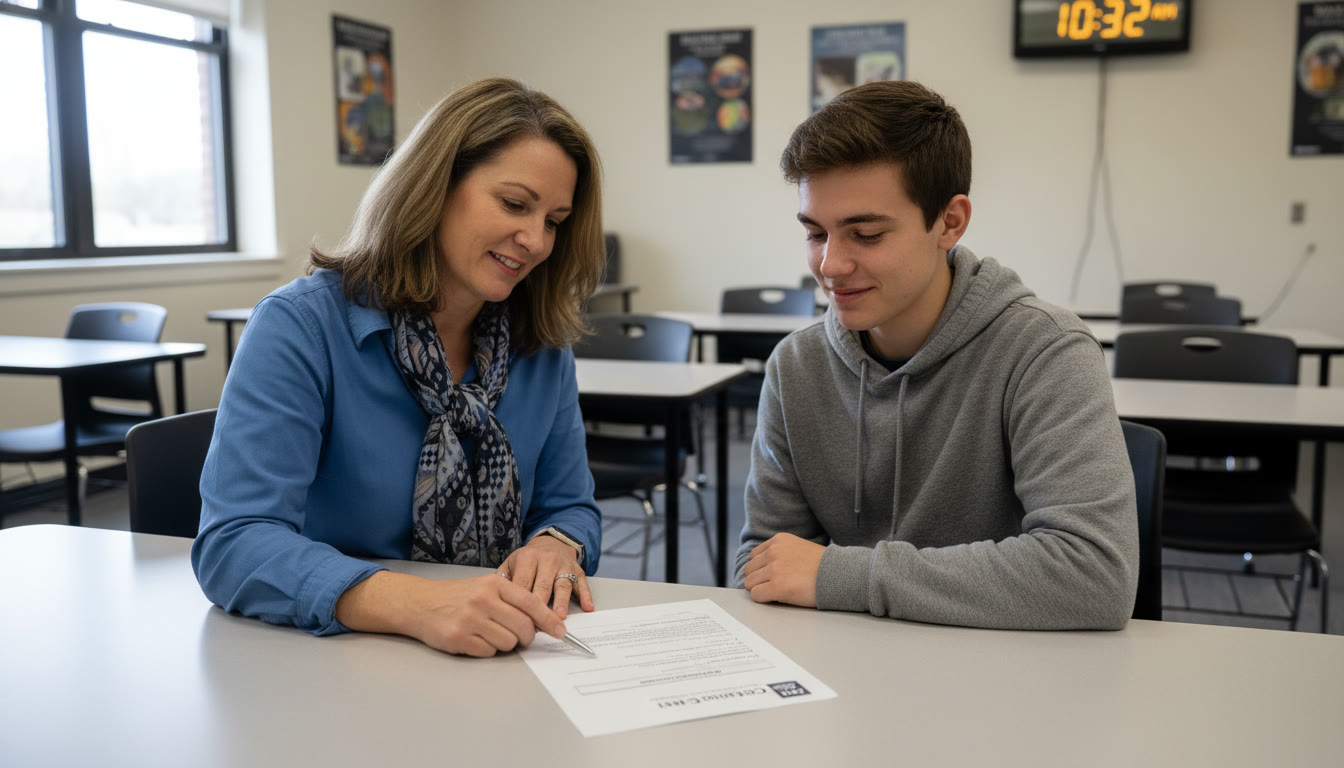
This is the fastest and most common method. Schools submit requests through SSD Online. The SSD coordinator uploads documentation, selects requested accommodations, and tracks the review process. Your job is to provide up-to-date documentation and confirm that your SSD coordinator has everything they need.
Paper Requests (If School Isn’t Involved)
If your school won’t submit or you’re homeschooled, you can submit a paper request. This requires downloading and completing the student eligibility form, gathering documentation, and sending it to the College Board SSD office. Paper submissions are reviewed, but the process usually takes longer and needs careful attention to formatting and signatures.
Common Accommodations Explained
Knowing what accommodations are available helps you request the right supports. Here are some common ones you might see on AP requests:
- Extended time (time and a half, double time)
- Extra breaks
- Separate testing room
- Large-print or braille exam formats
- Permission to use a computer or assistive technology for essays or long responses
- Human reader or scribe
- Limited time or multiple-day testing for digital exams
Digital AP Exams: Special Considerations
Many AP courses now offer fully digital or hybrid digital exams. If you’re approved for accommodations and plan to take a digital AP exam, there are extra steps:
- Some assistive technologies must be configured within the Bluebook app prior to testing—work with your school to test configurations in advance.
- Requests for temporary supports for digital exams often have a shorter deadline—typically 14 days before the scheduled exam date for temporary impairment requests—so plan accordingly.
- If you’re approved for multiple-day testing, your AP coordinator needs to indicate this when ordering and set up rooms for both days in Test Day Toolkit.
Sample Checklist: What to Do and When
Use this checklist as a concrete action plan you can follow and check off. Share it with your SSD coordinator to make sure everyone is aligned.
| When | Action | Who |
|---|---|---|
| Spring/Summer | Gather IEP/504, recent evaluations, and medical records into a single folder | Student/Family |
| Early Fall | Tell SSD coordinator and AP coordinator you’ll need accommodations; confirm they’ll submit | Student, SSD Coordinator, AP Coordinator |
| Autumn (AP Ordering) | Ensure AP coordinator marks special formats when ordering exams | AP Coordinator |
| By Deadline (Mid-Jan) | SSD coordinator submits request in SSD Online with documentation | SSD Coordinator |
| After Submission | Check for SSD Eligibility Letter, confirm testing room and proctor arrangements | Student, SSD Coordinator, AP Coordinator |
| Before Exam | Bring SSD Eligibility Letter to test day; test assistive tech configuration if needed | Student |
Troubleshooting and Frequently Encountered Roadblocks
Even with the best planning, things sometimes go sideways. Here are common problems and practical fixes.
Problem: Missing Documentation or Outdated Evaluation
Fix: Obtain updated assessments where possible. If a recent full evaluation isn’t feasible, get a current teacher statement and medical notes that detail present functioning and impact on testing.
Problem: School Won’t Submit
Fix: Consider the paper route. Ask your SSD coordinator why they won’t submit—sometimes it’s a misunderstanding or workload issue. If the school refuses outright, you can submit a paper request with supporting documentation, but allow extra review time.
Problem: Deadline Passed
Fix: Immediately contact your SSD coordinator and the College Board’s AP Services for Students. For temporary impairments, there are sometimes rolling or shorter windows; for standard accommodations, late requests may be handled case-by-case, but approval timelines are tighter.
What Happens After Approval?
When your accommodations are approved, the College Board issues an SSD Eligibility Letter that lists the approved accommodations. Keep this letter with you—your proctor will need to see it on exam day. Approval does not automatically change exam orders; the AP coordinator must include the student in the AP Registration and Ordering so special formats and materials ship correctly.
Practical Exam-Day Tips
- Bring your SSD Eligibility Letter and school ID.
- Arrive early so proctors can confirm any assistive technology or testing setups.
- If you use embedded tech in Bluebook, log in beforehand (practice sessions) and test settings on the same type of device if possible.
- Have a backup plan for human proctors or scribes (confirm names and contact details in advance).
Real-World Example
Consider Maya, a junior with a documented learning disability and a 504 plan that provides time-and-a-half on classroom assessments. She started the process in early September: she gathered her evaluation (from the past two years), met with the SSD coordinator to confirm they would submit the request through SSD Online, and told the AP coordinator to mark her for extended-time materials when ordering. Her SSD request was submitted before the mid-January deadline, she received an SSD Eligibility Letter in February, and she practiced using the Bluebook preview with extended time settings. On test day she presented her SSD Eligibility Letter and everything went smoothly. Planning ahead saved her from last-minute scrambling and preserved the supports she needed to demonstrate her learning.
How Tutoring and Personalized Support Fit In
Requesting accommodations can be an administrative maze, and having somebody help you plan and prepare can make a big difference. Personalized tutoring—like Sparkl’s 1-on-1 guidance—can help in two ways: first, by creating a tailored study plan that complements your approved accommodations (so you use your extra time effectively), and second, by advising you on documentation clarity and test-day strategies so the accommodations are used optimally. Expert tutors who understand AP format and SSD procedures can make your whole experience less stressful and more productive.
Quick Reference: What to Communicate to Your SSD Coordinator
- I receive (or need) these accommodations in school: [list them]
- Here are my current documentation files: [IEP/504, evaluations, medical notes]
- I plan to take these AP exams: [list subjects and formats—digital or paper]
- Please confirm when you submit the SSD request and when I can expect the SSD Eligibility Letter
Final Checklist Before You Close the File
- Confirm SSD request was submitted and received by College Board.
- Obtain and keep a digital and printed copy of the SSD Eligibility Letter.
- Confirm AP coordinator ordered correct exam formats and materials.
- Test any assistive technology or Bluebook settings ahead of time.
- Pack SSD letter, ID, and any approved tools for exam day.

Parting Advice: Be Proactive, Clear, and Persistent
Applying for AP accommodations can feel bureaucratic, but it’s fundamentally about ensuring fairness so you can demonstrate what you know. Start early, collect clear documentation, keep lines of communication open with your SSD and AP coordinators, and don’t be afraid to follow up. If you’re ever unsure about forms or timelines, ask for help—trusted adults, school staff, or a knowledgeable tutor can make the difference between a stressful scramble and a smooth, supported exam experience.
And remember: accommodations are not special treatment—they’re equal access. With the right planning and supports in place, you’re positioned to perform your best when it matters most. Good luck, and take it one step at a time—you’ve got this.
Useful Reminders
- Always keep updated contact information for your SSD coordinator and AP coordinator.
- Check the College Board AP calendar each year for exact submission deadlines and any changes affecting digital exams.
- If your needs change (new diagnosis, different accommodation required), start the process again—accommodations are individualized.
If You Need Extra Help
If the administrative side feels overwhelming, consider working with someone who knows the process—whether that’s your school’s SSD coordinator, a trusted counselor, or a personalized tutor who understands both AP content and accommodations. These supports help you focus on learning while ensuring paperwork and deadlines don’t get in the way.
Good luck on your AP journey. With preparation, clarity, and the right supports, your test day can reflect your knowledge and effort—not the obstacles you had to overcome to get there.




























No Comments
Leave a comment Cancel