
Keeping academic integrity at the heart of IB DP research
Working through an Internal Assessment, the Extended Essay, or a Theory of Knowledge presentation is as much about careful thinking as it is about clear, honest documentation. A good reference-manager workflow is the invisible backbone that protects your ideas and your integrity: it helps you capture source details when they’re fresh, keep track of what you quoted versus what you paraphrased, and produce a tidy bibliography that matches your citations in the text.
This article walks you, step by step, through a student-focused workflow that treats referencing not as a chore but as a research habit. The approach is practical, adaptable to different subjects, and intentionally built to fit the way IB students actually work—between classes, supervisor meetings, and late-night document edits.

Why a reference-manager workflow matters for IA, EE and TOK
There are three straightforward reasons to use a consistent workflow:
- Accuracy: Metadata captured at the source avoids mistakes in author names, page numbers, DOIs or URLs.
- Efficiency: Insert citations as you write and let the software build a bibliography automatically—time saved = more time to think.
- Evidence of integrity: Organized notes, versioned drafts and a clear research log are concrete proof to supervisors and examiners that your work is honest and verifiable.
Core principles every IB student should follow
- Be consistent: Agree a citation style with your supervisor early and stick to it.
- Capture context: For every quote or paraphrase, record the exact page number and a short note about how you might use it.
- Annotate as you read: Your future self will thank you. Short summaries beat vague memory.
- Log help: If you receive substantive support—whether from a teacher, tutor, or a platform—record it in your research log so your supervisor can see the provenance of ideas and edits.
The step-by-step reference-manager workflow for IB DP students
Below is a practical sequence designed to be easy to adopt the moment you start a new IA, EE or TOK project.
Step 1 — Set up your project & confirm the citation style
Start with a single project folder or collection for your assignment. Confirm which citation style your school or supervisor prefers (for example, APA, MLA, Chicago-style variants), then set that style as the default for the project. Consistency here prevents last-minute formatting chaos.
Step 2 — Capture sources correctly from the start
When you read something useful—an article, a chapter, a webpage—add it immediately to your library. At minimum, record:
- Author(s)
- Title
- Publication (journal/book/publisher)
- Year/volume/issue/pages
- DOI or stable URL
- Page numbers for direct quotes
Good practice: attach the PDF when possible and make a short line in the item’s notes field: one-sentence summary + why this source matters for your research question.
Step 3 — Organize with collections, tags and folders
Create a clear structure: one top-level collection for each major project (EE, IA, TOK). Inside, create sub-collections for literature review, methodology, data, and supervisor feedback. Use tags to indicate themes, e.g., “methodology”, “case study A”, or the specific research question. That makes it simple to pull only the sources you need when drafting a specific section.
Step 4 — Read actively and annotate
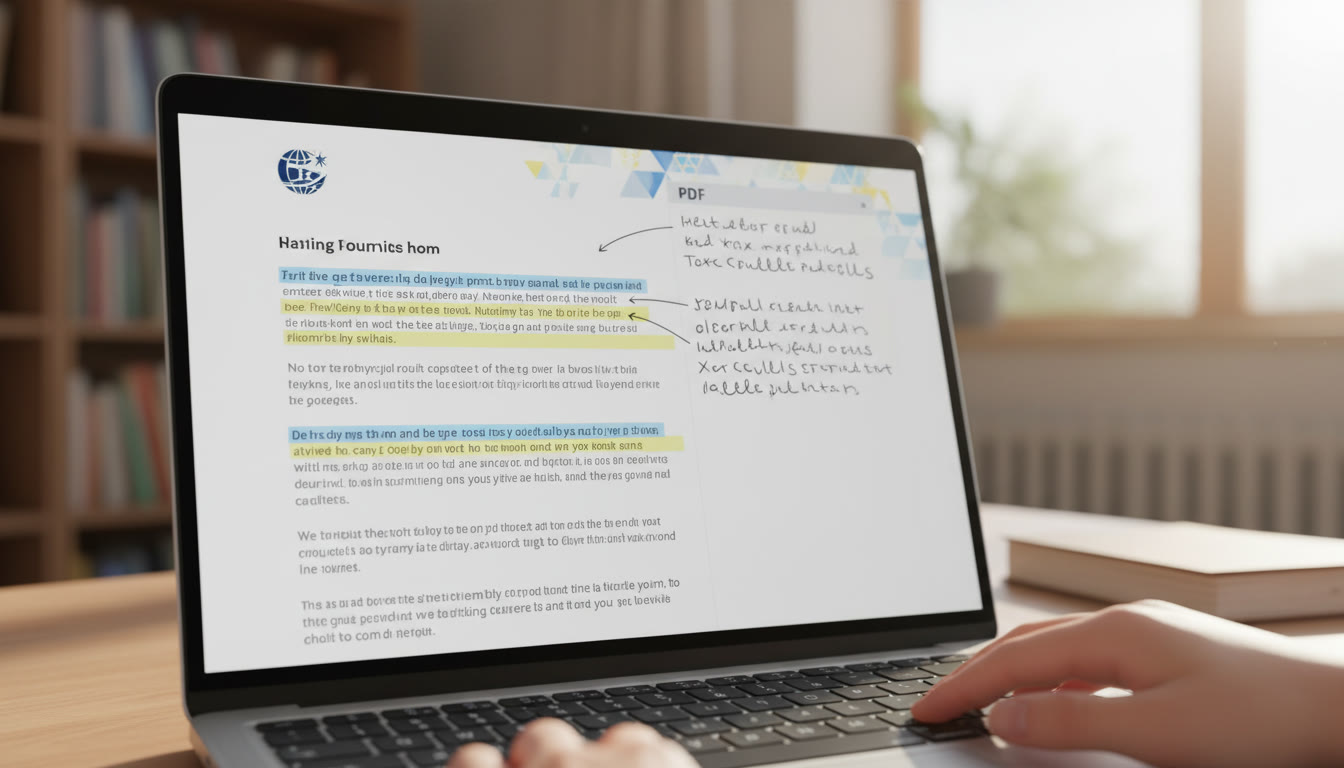
Resist the temptation to collect many PDFs and read none. Annotate directly in the PDF or in the reference-manager notes: highlight key sentences, add a 2–3 line summary, and flag the exact sentence you might quote. When you extract a quote, record the page number and a short paraphrase in a dedicated note so you never lose context.
Step 5 — Create modular notes for quotes and paraphrases
A consistent note template helps you later. For each useful passage, create a small entry with four fields:
- Quote: exact wording in quotation marks (with page number)
- Paraphrase: your own concise summary
- Why it matters: one-line relevance to your argument
- Draft placement: where in your IA/EE/TOK this might go
Step 6 — Cite as you write
When you draft your document, insert citations at the moment you paraphrase or quote. This prevents mistakes that happen when you try to add references after the text is written. Use short placeholder notes if you’re offline (e.g., “[Smith 2019, p.23]”), then replace them with formal citations once you’re back in your writing environment.
Step 7 — Build and proof the bibliography
After your draft is stable, generate the bibliography from your project library. Then proofread it: check capitalization, page ranges, and authorship details. For IB purposes, the bibliography should reflect every source you cited in the text and, where appropriate, additional background reading.
Step 8 — Version control and backups
Keep dated versions of your drafts (e.g., Draft_v1_ResearchLog.pdf). Archive your reference-library export periodically so you can restore it. This creates a clear audit trail of your sources and is valuable if you ever need to show how research evolved between supervisor meetings.
Step 9 — Maintain a research log
This is a short, dated record of decisions, help received, and methodological changes. Note supervisor meetings, key email exchanges, and any substantial editorial help. A simple table in a document—date, action, outcome—will make your process transparent and defendable.
Workflow at a glance
| Step | Action | Why it matters | Quick tip |
|---|---|---|---|
| Project setup | Create a collection and choose citation style | Enables consistent formatting and easy exports | Decide style with supervisor before you begin |
| Capture | Add metadata and attach PDFs | Prevents data loss and incorrect citations | Always save the PDF and note the page number for quotes |
| Annotate | Highlight and summarize key passages | Makes drafting faster and more accurate | Write a one-line “why this matters” note |
| Draft | Insert citations as you write | Avoids forgotten references and mismatches | Use meaningful placeholders if offline |
| Finalize | Generate bibliography and export library | Proof of careful scholarship and a tidy reference list | Do a final proofread for capitalization and page ranges |
Practical examples and a mini annotated-bibliography
Concrete examples make the workflow stick. Below is a compact model you can adapt for any subject.
| Citation (short) | One-line summary | Relevant quote / page | Note for EE / IA / TOK |
|---|---|---|---|
| Author A, Article X | Examines method used in similar case studies | “Key sentence relevant to methods” (p. 134) | Use as methodological justification in Methods section |
| Author B, Book Y | Theoretical lens that frames research question | Summary paraphrase; exact quote saved separately (pp. 45–46) | Include in literature review and TOK implications |
| Official report Z | Provides primary statistics for case study | Figures extracted; cite dataset and page | Use data in analysis and include link in bibliography |
Common mistakes IB DP students make — and how to avoid them
- Waiting to reference: If you add references only at the end, you’ll misplace quotes and lose track of page numbers. Capture metadata immediately.
- Vague notes: One-word notes like “useful” don’t help later—always add a one-line context note.
- Not backing up: Losing a library or corrupted library file can cost hours of reconstruction. Export periodically.
- Mixing styles: Switching citation styles mid-document looks unprofessional; decide early and remain consistent.
- Forgetting to log help: Any significant help should be logged in your research diary to maintain transparency.
Supervisor-friendly deliverables
Supervisors appreciate clarity. Make their life easier by sharing the following at agreed checkpoints:
- Annotated bibliography (one page per source: citation, 1–2 line summary, relevant quote, intended placement)
- Research log (dated notes of meetings, advice received, and major decisions)
- Versioned drafts with tracked changes or clear dated filenames
- Access to the project collection so the supervisor can view sources directly (if your school policy permits sharing)
Using help responsibly
It’s normal and sensible to get guidance when you’re learning workflows. For example, structured tutoring can help you set up a robust system quickly: Sparkl‘s personalized tutoring can offer one-on-one guidance, tailored study plans, expert tutors, and AI-driven insights that show efficient ways to capture and organize sources. If you use support, record who helped and how—your research log should note the nature of the assistance, dates, and the outcome.
Special considerations for TOK
TOK essays and presentations value reflection on knowledge claims and perspectives. Your reference-manager workflow is still useful: keep track not only of academic sources but of media, interviews, and experiential observations. For TOK, your notes should include a short reflection on how each source influences your knowledge question and what assumptions it carries.
Final pre-submission checklist
- All in-text citations are present and match the bibliography entries exactly.
- All direct quotes have page numbers and are enclosed in quotation marks.
- Your research log documents major assistance and key supervisory feedback.
- Library export saved and backed up in at least two places.
- Drafts are versioned and clearly dated.
- Formatting requirements of your school and subject guide have been followed.
Conclusion
A clear, repeatable reference-manager workflow is one of the best ways IB DP students can honor academic integrity while freeing cognitive space for deeper analysis. Capture metadata early, annotate with purpose, insert citations as you write, keep a dated research log, and back up your library. These habits make drafting smoother, protect you from accidental plagiarism, and leave a transparent trail that supervisors and examiners can follow.


















No Comments
Leave a comment Cancel