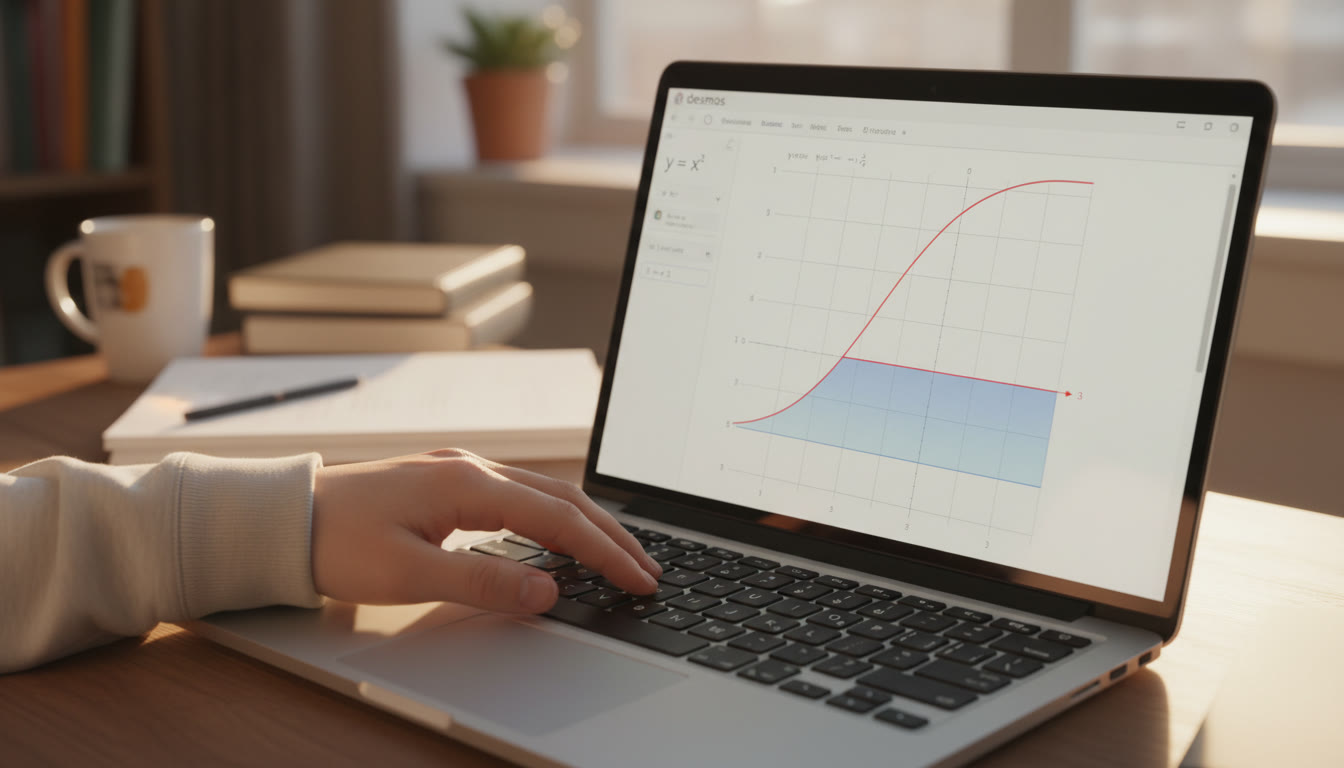

Why Desmos Deserves a Spot in Your AP Toolkit
Graphing isn’t just pretty pictures — on AP exams it’s a strategy. Desmos gives you a visual edge: rapid plotting, instant manipulation, and a way to verify algebraic work with your eyes. When used intentionally, Desmos helps you confirm answers, narrow bounds for numerical problems, and spot mistakes before they cost you points. This guide walks you through practical, exam-friendly techniques for visual verification and bounding so you can turn a graph into a reliability check, not a crutch.
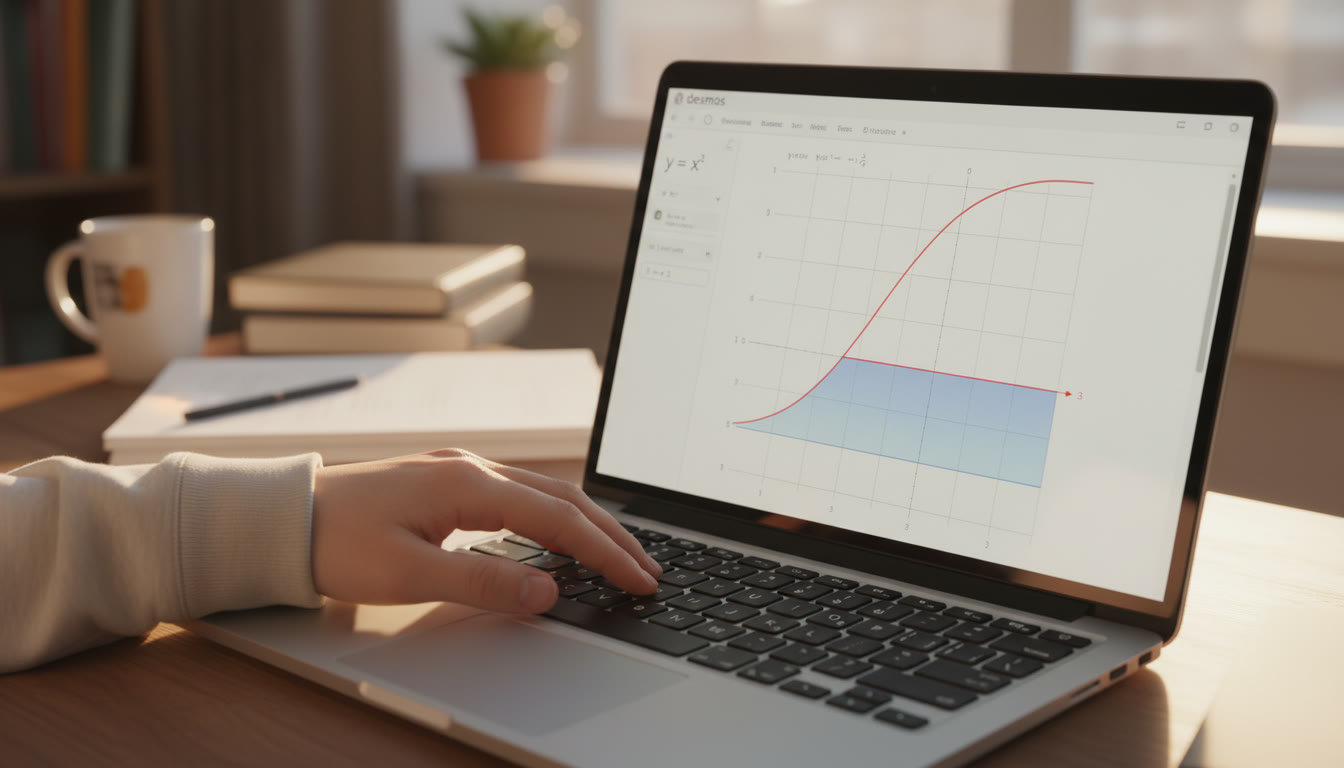
A quick mindset shift: Visualization as a Check, Not a Substitute
Before diving into tactics, adopt one working rule: always treat Desmos as a verification tool that complements your algebra and reasoning. On AP digital exams Desmos (or a built-in equivalent) may be available, but you still need work that’s readable, justified, and aligned with rubric expectations. Use graphs to:
- Confirm algebraic roots, intersections, and asymptotes.
- Estimate values to choose the most likely multiple-choice option.
- Set and tighten bounds for numerical or interpretation tasks.
- Catch arithmetic or sign errors quickly.
How Visual Verification Works — A Step-by-Step Framework
Think of verification as a short checklist you run after (or alongside) calculation. This framework fits naturally into timed AP work:
- Step 1 — Sketch or compute a candidate answer (algebra first where possible).
- Step 2 — Plot the function or expressions involved in Desmos and inspect the graph.
- Step 3 — Check key visual cues (intercepts, symmetry, monotonicity, concavity, and behavior at boundaries).
- Step 4 — Use Desmos sliders or trace to tighten a numerical value or bound.
- Step 5 — Reconcile any discrepancy: either fix the algebra or explain why the graph looks different.
Why you should do algebra first
Algebra sharpens the question so your Desmos session is focused. For example, solving an equation analytically narrows the x-range to investigate. Too many students drop straight into the graph and waste time hunting through unbounded windows. Combine both: a brief algebraic setup, then a targeted visual check.
Practical Desmos Techniques for AP Problems
Below are tested techniques that fit naturally into AP exam workflows. Each is fast and exam-safe.
1. Intersection Confirmation
Use intersections to confirm solutions of equations and systems. After solving algebraically, plot both sides as y-expressions and use the intersection tool to verify x-values. If the algebraic root and the intersection disagree, you’ve found a sign, arithmetic, or domain issue.
2. Trace and Sliders for Approximations
Sliders let you sweep a parameter quickly. If a problem asks for a numerical estimate (e.g., a root near 1.7), add a slider that represents your estimate, then watch how the graph responds and tighten the slider to find a value that visually minimizes error. This is faster and less error-prone than repeated algebraic guesswork in tight time windows.
3. Use Shading to Verify Areas and Integrals
Shade definite integral regions to confirm sign and magnitude. If you compute an integral and expect a positive value, but Desmos shading reveals a region above and below the x-axis, re-evaluate your setup. For piecewise integrals, plot the integrand piece-by-piece and visually confirm which subintervals contribute positively or negatively.
4. Limit and Asymptote Behavior
To verify end-behavior or vertical asymptotes, zoom out and in respectively. Desmos’ dynamic zoom helps you inspect near singularities: a vertical asymptote will show the curve diverging, not crossing. For limits, compare left and right behavior using one-sided plots or restricting domain with inequalities (e.g., x < a+0.001).
5. Bounding a Value — The Practical Recipe
Sometimes AP questions ask for bounds or estimates for expressions (like error bounds, maxima/minima on an interval, or root bounds). A reliable bounding routine:
- Find a candidate value or interval analytically (use derivative tests or algebra where possible).
- Plot the function and add horizontal lines for your hypothesized bounds (y = lower, y = upper).
- Visually confirm that the graph remains inside those horizontal lines on the interval. If it doesn’t, adjust your bounds tighter or broader as needed.
Worked Examples You Can Practice
Let’s put these ideas into typical AP-style problems. Work through each example algebraically first, then verify in Desmos as described.
Example 1: Confirming Roots for a Transcendental Equation
Problem: Solve x = cos x. Analytical trick: Consider f(x) = x – cos x. Show that f is continuous and increasing for x > 0; find root approximately. Algebra gives a numerical root near 0.739. Plot y = x and y = cos x and use intersection to confirm the root. Use a slider for x to watch how the two curves approach.
Example 2: Bounding an Integral’s Value
Problem: Estimate the integral from 0 to 1 of (1/(1+x^2)) dx. You can compute exactly (pi/4 ≈ 0.7854), but suppose it’s a bounding exercise: show the integral is between 0.7 and 0.9. Plot y = 1/(1+x^2) and shade the area; then plot horizontal lines at y=0.7 and y=0.9 to see that the shaded region’s average height fits between them, confirming the bounds visually.
Example 3: Verifying Derivative Sign Changes
Problem: Given f(x) = x^3 – 3x + 1, determine intervals of increase/decrease. Compute f'(x) analytically = 3x^2 – 3. Solve f’ = 0 → x = ±1. Plot f and f’ to confirm monotonicity: the sign of f’ on each interval corresponds to the slope of f. Use Desmos to trace near x = -1 and x = 1 to confirm transitions from increasing to decreasing or vice versa.
Table: Quick Checklist for Common AP Tasks with Desmos
| Task | Desmos Action | What to Verify |
|---|---|---|
| Solving equations | Plot both sides; use Intersections | Root location and multiplicity |
| Estimating integrals | Shade area; add horizontal bounds | Sign and approximate magnitude |
| Checking limit/asymptote | Zoom in/out; restrict domain | Left/right behavior and divergence |
| Confirm derivative sign | Plot f and f’; use Trace | Monotonicity intervals |
| Bounding numerical values | Plot horizontal lines; sliders | Tightness of upper/lower bounds |
Common Pitfalls and How to Avoid Them
Desmos is powerful, but misuse can mislead you. Here’s how to avoid traps that countertop many students’ confidence.
Pitfall 1: Wild Window Settings
If you don’t set an appropriate window, you’ll misinterpret behavior (e.g., tiny oscillations might look like zeros when zoomed out). Always set a window centered on the region of interest informed by your algebraic work. A quick rule: choose x-range from your computed candidates ±10% and a y-range that captures expected magnitudes.
Pitfall 2: Overreliance on Numerical Intersection Readouts
Intersection values are numerical approximations. If an intersection looks suspicious, cross-check with analytical substitution. The intersection tool is wonderful for confirming, but never present only the Desmos intersection as proof on a free-response explanation; describe the reasoning too.
Pitfall 3: Ignoring Domain Restrictions
Plotting expressions outside their domain can produce misleading graphs. If your function contains a square root or logarithm, restrict the domain using Desmos syntax (e.g., f(x) = sqrt(x-1) {x >= 1}) so the graph matches the algebraic domain exactly.
How to Practice These Skills Efficiently
Practice with intention. Here are routines that yield the biggest gains in your limited prep time.
- Daily micro-sessions: 20 minutes of targeted Desmos verification problems (one root, one integral, one derivative sign check).
- Exam simulation: Do full free-response problems under timed conditions, then re-run them in Desmos to verify and annotate where visualization would have saved time.
- Error log: Keep a two-column log. Left column — mistake made; right column — how a quick Desmos check would have revealed it. After a week, review and convert common errors into checklists.
Using Desmos on Test Day — Practical Notes
On digital AP exams Desmos may be built into the testing interface. Familiarize yourself with that exact environment beforehand (AP Classroom and Bluebook resources simulate the testing interface). Here are test-day habits:
- Know which parts allow calculators — sometimes only certain sections permit them. Save Desmos checks for calculator-permitted parts.
- Budget time: A quick Desmos verification should take 30–90 seconds. If it’s taking longer, abort and return after finishing the rest of the section.
- Annotate reasoning: When you use Desmos to confirm a numeric answer, include a short explanation on your paper/computer that connects the algebra to the graph (e.g., “Intersection confirmed at x ≈ 0.739”).
When to Bring in Expert Help — and How Sparkl Can Fit In
Some challenges benefit from guided practice: tightening your bounding intuition, translating calculus thinking into clean Desmos checks, and learning time-efficient workflows. Personalized tutoring accelerates this—especially 1-on-1 guidance that creates a tailored study plan and targets your weak spots. Sparkl’s personalized tutoring offers expert tutors who can watch your Desmos workflows, suggest compact verification habits, and use AI-driven insights to measure your improvement. If you find you’re repeatedly making the same graphical or algebraic mistakes, a short series of focused Sparkl sessions can convert those errors into strengths.
Advanced tips — Squeezing More from Visual Checks
For students aiming for top AP scores, adopt advanced habits that show up in the toughest free-response questions.
1. Piecewise Visual Reasoning
For functions that change definition on subintervals, plot each piece separately with domain restrictions. Use different colors and descriptive labels so you can visually confirm where maxima, minima, or sign changes occur.
2. Parametric and Polar Verification
When dealing with parametric or polar contexts, plot the parameterization itself versus trying to force it into Cartesian only. Use the built-in parametric modes to verify looping behavior, tangency, and intersections in those coordinate systems.
3. Multiple Approaches and Cross-Validation
Where time allows, verify with more than one Desmos trick. For instance, confirm a root with intersections and then use f(x) plotted with a vertical trace to ensure the function actually crosses at that point (not just touches it). Multiple small checks reduce the risk of being misled by a single numerical artifact.
Quick Reference: Desmos Commands You Should Memorize
- Intersection: click or type intersection(); use two graph expressions y1 and y2 and choose the intersection point.
- Domain restriction: f(x) = expression {condition} — e.g., sqrt(x-1){x>=1}.
- Shading area: integral(expression, x, a, b) or use polygon shading techniques for irregular regions.
- Sliders: type a variable without an assignment, then click the slider to control parameters.
- Trace: click on the curve to follow a point, or use a parametric slider to animate motion.
Checklist Before You Submit an Answer
- Did I do a quick analytic setup? (Yes/No)
- Did I use Desmos to verify key numeric values or behavior? (Yes/No)
- Is the graph window focused on the relevant interval? (Yes/No)
- Did I document the verification in my answer where needed? (Yes/No)
- If I used Desmos for a numeric answer, did I cross-check with algebra or a small tolerance? (Yes/No)

Putting It All Together — A Mini Practice Session
Try this five-step exercise under a 25-minute timer. It mimics real exam pressure while training quick verification skills.
- Pick an AP-style free-response question involving a root or integral (10 minutes to solve analytically).
- Use Desmos to plot the core function(s) and visually confirm your solution (3–4 minutes).
- Record any differences and adjust your answer if necessary (2–3 minutes).
- Write a short justification that includes both algebraic steps and a one-sentence statement about what your Desmos check confirmed (3 minutes).
- Log mistakes into your error log and mark topics that need targeted review (remaining time).
Final Notes — Make Visualization a Habit, Not a Panic
Desmos is an amplifier for good math habits: it rewards clear thinking, focused questions, and small, repeatable checks. Use it to catch arithmetic slips, to strengthen intuition about bounds, and to provide evidence in your answers. But remember: a quick algebraic anchor plus a targeted Desmos verification is the most time-efficient and reliable approach.
If you want to accelerate your learning curve, consider brief tutoring sessions that focus explicitly on turning your Desmos habits into a timed-exam routine. One-on-one guidance and tailored study plans can help you build those habits faster, and tools that provide AI-driven insights can point to exactly where you can save time or avoid errors. Sparkl’s personalized tutoring model is designed for exactly that — targeted practice that translates directly into higher confidence on exam day.
Final Checklist
- Always do quick algebra first to focus your graph.
- Set a sensible window before interpreting graphs.
- Use intersection, shading, sliders, and domain restrictions to verify answers.
- Annotate Desmos confirmations in your free-response explanations.
- Practice with timed micro-sessions and review via an error log.
Mastering visual verification and bounding with Desmos turns an already powerful tool into a dependable exam companion. With deliberate practice, disciplined checklists, and occasional targeted tutoring to iron out stubborn habits, you’ll enter exam day with a calm, confident strategy: see it, verify it, and submit it.





























No Comments
Leave a comment Cancel