
Why Calculator Workflows Matter for AP Success
If you’ve ever stared at a graphing window, frozen on whether to trust a table of values or a slick-looking Desmos plot, you’re not alone. For AP Math and Science exams, fluency with calculators — both the built-in Desmos in Bluebook and permitted handhelds — is less about gadget worship and more about creating dependable workflows that save time and reduce avoidable mistakes.
This article walks you through practical workflows for Desmos and handheld graphing/scientific calculators tailored to AP Calculus AB/BC, Precalculus, AP Physics (1, 2 and C), AP Chemistry, and the calculator portions of other science exams. You’ll get quick wins for test day, sample problem walkthroughs, a comparison table for calculator tasks, and study-plan suggestions you can use in the weeks before the exam.
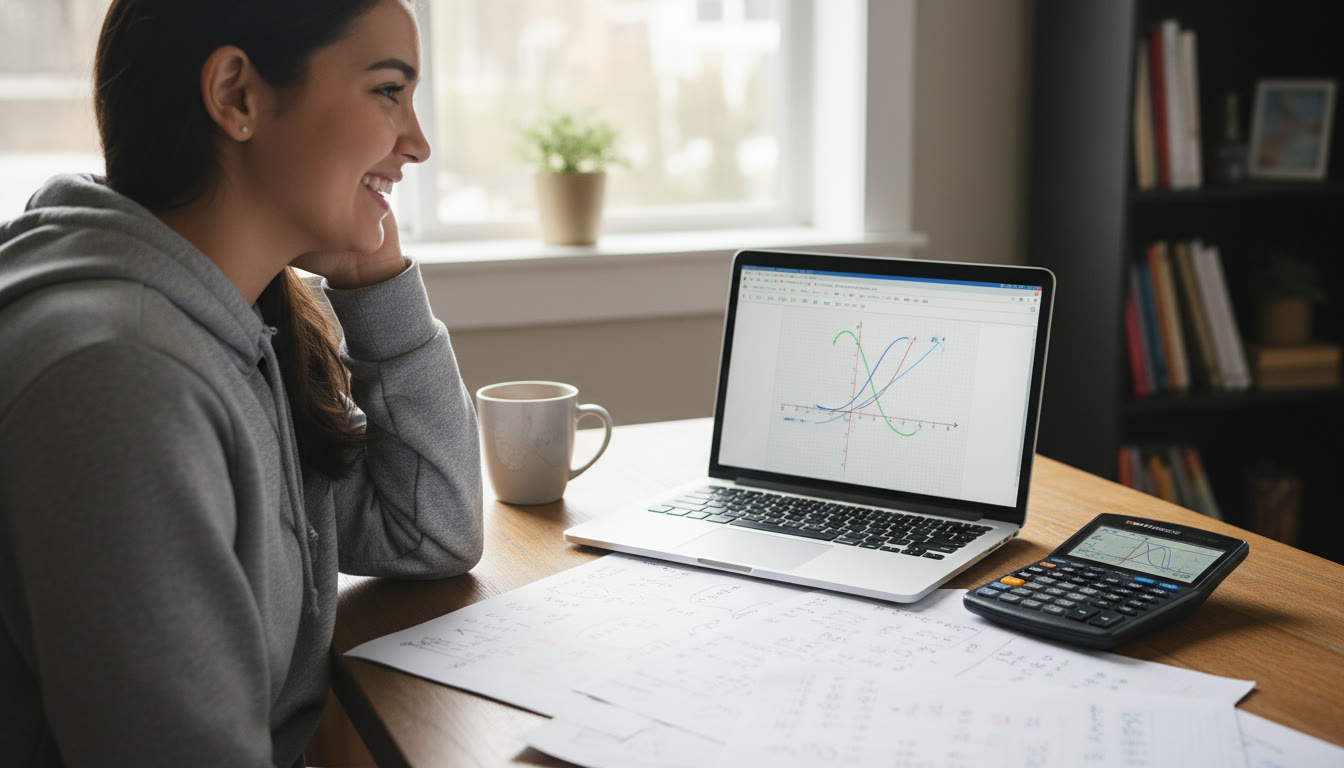
Understanding the Tools: Desmos in Bluebook vs. Handheld Calculators
Before we build workflows, let’s be clear about what tools you might encounter on exam day and their strengths.
- Desmos in Bluebook (built-in): The College Board provides a version of Desmos inside the Bluebook testing app for most calculator-allowing AP exams. It’s great for rapid graphing, dynamic sliders, function composition, and clear visualizations. Desmos excels at exploratory tasks and visual confirmation — for instance, zooming to identify asymptotes or using the regression features for data-fitting questions.
- Handheld Graphing Calculators: Many AP exams still allow approved handheld models. These are reliable for quick numerical routines, storing frequent formulas, and using built-in statistical and calculus operations. On some exams you may prefer a handheld for speed on repetitive computations, or when you practice with one during classroom work.
- Scientific/Nongraphing Calculators: Useful in AP Chemistry or physics calculations where quick trig and exponents are needed and graphing isn’t required.
Key principle: know which tool is fastest for the task at hand. Practice switching between visual (Desmos) and numeric (handheld) workflows so the choice becomes second nature.
Calculator-Workflow Principles — A Simple Checklist to Internalize
Use this checklist every time you approach a calculator problem during practice — and on exam day.
- Clarify the goal: Are you proving a limit, estimating a derivative, finding a maximum, or fitting a model? The workflow changes with the goal.
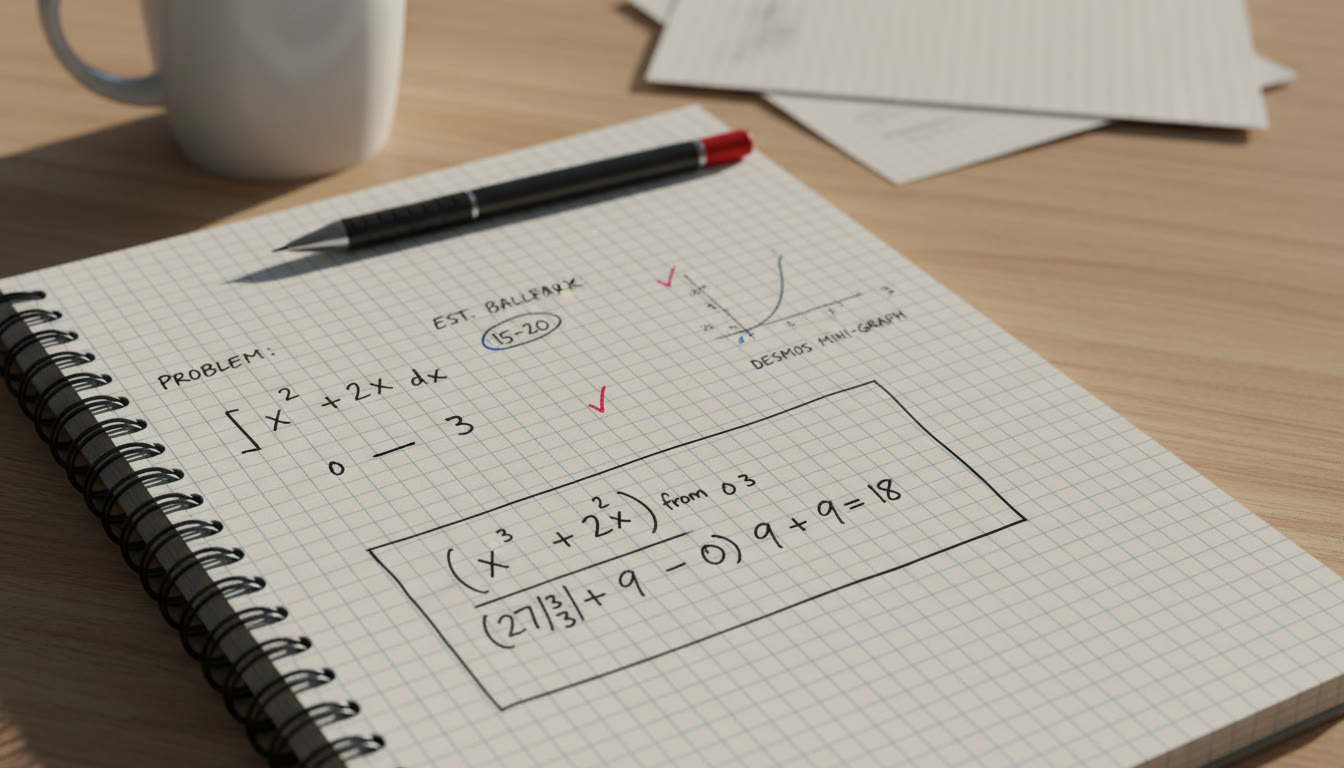
- Estimate first: Use quick mental math or a short hand calc run to get an expected ballpark. This helps you spot entry mistakes later.
- Choose the right display: Table for discrete values, graph for behavior, algebra window for symbolic simplification when available.
- Document steps succinctly: Even if the calculator does the work, write intermediate results and a short explanation — graders look for reasoning on free-response questions.
- Have a verification step: Use a second method to confirm — e.g., derivative from a symbolic approach versus slope from a zoomed-in secant slope in Desmos.
Practical Workflows by Topic
AP Calculus AB/BC — Limits, Derivatives, Integrals, and Optimization
Calculus questions often require both conceptual justification and numerical evidence. Here’s a simple, repeatable workflow.
- Limits:
- Quick mental or handheld calc estimate for left and right limits when the function is simple.
- Use Desmos to graph near the point; turn on a table to inspect numeric approach from either side. If Desmos shows a vertical asymptote, use limits of reciprocals or analytical simplification for justification.
- Write a sentence: “Left-hand limit approaches L, right-hand approaches R; because L = R = value, limit exists = value.”
- Derivatives:
- Start with symbolic differentiation on scratch paper. If you’re unsure, approximate derivative numerically in Desmos by plotting (f(x+h)-f(x))/h for small h, or use the derivative tool if provided.
- For rate-of-change problems, compute a numeric derivative at the point (handheld or table) and record the units carefully.
- Integrals:
- Sketch the region in Desmos first to see orientation and bounds. Use the integral feature for approximations, then compute exact antiderivative on paper where possible.
- When approximating area or accumulation, use numeric integration on the handheld to check work and report units on free-response answers.
- Optimization:
- Write the objective and constraint algebraically. Simplify to a single-variable function if feasible.
- Use Desmos to plot the function and identify candidate extrema; then verify with first/second derivative tests on paper, using calculator numbers for confirmation.
AP Physics (1, 2, C) — Using Calculators for Kinematics, Energy, and E&M
Physics problems often chain numeric computations with unit checks and vector components. Keep your workflow tight and unit-focused.
- Set up the problem symbolically first — draw a quick diagram, label variables with units.
- Use the handheld or scientific calculator for stepwise arithmetic and keep a small tidy column of computations on your paper for graders to follow.
- For experiment-style questions or motion graphs, use Desmos to plot x(t) or v(t) to visualize turning points, intersections, and area under a curve (for displacement).
- When electromagnetism formulas get messy, compute component values numerically with a handheld and then visualize field vectors using simple Desmos arrows or slope hints if the exam interface allows vector sketches.
AP Chemistry — Reaction Rates, Thermo, and Curve Fits
Chemistry leans heavily on steady numeric routines and sometimes basic curve fitting.
- For rate-law determination or linearization tasks, use Desmos to transform data (e.g., plot ln[A] vs time) to see linearity and compute slope with regression features.
- Use a handheld or the Desmos regression for single-step arithmetic, paying attention to significant figures requested in the prompt.
- When dealing with enthalpy/entropy calculations, pre-store common constants on scratch paper and use the calculator for arithmetic; show at least one method of calculation in the free-response section.
Comparison Table: Best Tool for Common AP Tasks
| Task | Best Tool | Why |
|---|---|---|
| Quick numeric arithmetic (one-off) | Handheld Scientific/Graphing | Faster key sequences and fewer clicks; reliable for simple expressions. |
| Graph shape/behavior, asymptotes, intersections | Desmos (Bluebook) | Dynamic plotting, zoom tools, and easy tracing make visual analysis faster. |
| Statistical regression or linearization | Desmos regression or handheld stats mode | Desmos is intuitive for visual fit; handheld may be faster if you’ve practiced key sequences. |
| Symbolic checks or algebra simplification on paper | Paper + Calculator to verify | AP graders value algebraic justification; calculators are for numeric confirmation. |
| Repeated computations or tables | Handheld Table / Desmos Table | Both can generate series of values quickly; choose the one you’re practiced with. |
Step-by-Step Example Walkthroughs
Example 1 — AP Calculus: Finding a Local Maximum
Problem sketch: Given f(x) = x^3 − 6x^2 + 9x + 2, find local extrema and classify them.
- Paper: compute f'(x) = 3x^2 − 12x + 9. Solve f'(x) = 0 — factor or use quadratic formula: 3(x^2 − 4x + 3) = 3(x − 1)(x − 3). Critical points: x = 1, 3.
- Desmos: plot f(x) and turn on the derivative trace if available. Use the table feature to evaluate f(1) and f(3), and plot f'(x) to inspect sign changes around these points.
- Confirm on handheld: evaluate second derivative f”(x) = 6x − 12. Then f”(1) = −6 (concave down => local max at x=1). f”(3) = 6 (concave up => local min at x=3).
- Answer: Local maximum at (1, f(1) = 6), local minimum at (3, f(3) = −4).
Example 2 — AP Physics: Kinematics from a Position Graph
Problem sketch: A particle’s position is given by sampled data points. Use the calculator to estimate when velocity is zero and interpret the motion.
- Desmos: enter the data points and use a smooth fit or connect points. Use the slope feature or compute secant slopes between nearby points for a velocity estimate. Look for sign changes in velocity to locate turning points.
- Handheld: compute differences (Δx/Δt) in the table mode and note the interval where Δx changes sign; refine with smaller intervals if data permits.
- Write: “Velocity crosses zero between t=2.4 and t=2.6 s, indicating a turning point from positive to negative velocity — particle reverses direction.”
Study Plan: 6 Weeks to Calculator Mastery
Work backwards from test day with this focused plan. If you have personalized tutoring, you can adapt pace and emphasis based on your strengths and weaknesses.
- Week 1 — Inventory & Familiarization: Identify which calculators are allowed for your exams. Practice basic keystrokes and Desmos navigation for 20 minutes daily. If you’re working with a tutor (for instance, Sparkl’s personalized tutoring), ask for a session dedicated to tool setup and efficient key sequences.
- Week 2 — Core Workflows: Build workflows for limits, derivatives, integrals, and simple physics computations. Time yourself to build speed. Use deliberately timed problem sets and simulate calculator-only portions.
- Week 3 — Verification Methods: Focus on cross-checks: numerics vs visual vs symbolic. Practice writing concise justifications for free-response questions where the calculator supplied numeric evidence.
- Week 4 — Exam Simulations: Take sectional practice tests with your calculator setup. Practice switching between Desmos and handheld calculators without losing time. Consider a 1-on-1 review session with a tutor to analyze recurring slow points.
- Week 5 — Mistake Analysis: Review all incorrect or slow problems. Build a short reference of “common entry mistakes” (like parentheses errors, mode issues, or radian vs degree mistakes) and memorize fixes.
- Week 6 — Final Polish: Light practice, rapid reviews of workflows, and mental rehearsal of test-day setup. Run one or two timed problems each day and keep a calm routine leading up to the test.
Common Calculator Pitfalls and How to Avoid Them
- Degree/Radian Errors: Always check angle mode before trig operations. Put a tiny note in the corner of your scratch paper with the mode you used during practice to cue yourself.
- Parentheses and Order of Operations: When in doubt, break expressions into smaller parts and compute piecewise. This reduces entry errors and makes your scratch work clear.
- Overreliance on Visuals: A graph can be misleading (aliasing, window issues). Always back up a visual result with a numeric check or algebraic explanation.
- Not Showing Work: Even if the calculator gave the right number, write the supporting steps when the prompt asks for reasoning. Graders award partial credit for clear, correct methods.
How to Integrate Tutoring into Your Calculator Practice
Targeted tutoring can be a force multiplier for your calculator skills. A good tutor will:
- Teach efficient keystrokes and Desmos shortcuts you might never discover on your own.
- Design practice sessions that replicate the stress and time constraints of exam sections.
- Provide personalized feedback on common entry errors and help you build a compact error checklist for the test.
For many students, Sparkl’s personalized tutoring is helpful because it offers 1-on-1 guidance, tailored study plans, expert tutors familiar with AP exam expectations, and AI-driven insights that can pinpoint weakness patterns in calculator usage. If you prefer structured practice with feedback — especially on the finer points like when to trust Desmos regressions or how to present numeric verification — adding a few targeted sessions to your study timeline can pay big dividends.
Test-Day Setup and Quick Rituals
The morning of the exam, follow these quick rituals to avoid surprises.
- Charge any allowed handheld calculators the night before (if rechargeable) and bring fresh batteries as a backup.
- Practice opening Bluebook and Desmos beforehand if you have access to practice digital exam environments — familiarity reduces fumbling time.
- Bring a mini cheat-sheet of personal reminders on scratch paper (not a formula sheet to submit) — short cues like “Check mode,” “Estimate first,” and “Units” can keep you grounded.
- If you rely on a handheld for many steps, make sure it’s an approved model and that you know the exact sequence for stats/regression mode if that’s part of your exam.
Rubric-Savvy Calculator Use — What AP Graders Expect
On free-response questions, remember: calculators support reasoning; they don’t replace it. Graders expect to see your mathematical thinking. Use the calculator for accurate numbers, but always attach at least one clear mathematical justification — this is where partial credit often comes from.
Example: If you use Desmos to show a zero at x ≈ 2.314, extract the exact algebraic reasoning or show how you refined the root (Newton’s method steps, symbolic factorization attempt, or substitution checking) for the grader to follow.
Advanced Tips: Building Reusable Calculator Templates
As you practice, build mini-templates that you can recreate quickly on Desmos or a handheld. Common templates include:
- Derivative-check template: function input, derivative expression field, small table with (x, difference quotient) for a chosen point.
- Regression/linearization template: raw data table, transformed data column (ln or 1/x), and regression result box.
- Optimization sketch: objective function plotted with a slider for relevant parameter and marker labels for candidate extrema.
Recreating these templates in timed practice helps you execute them quickly in an actual exam environment. A tutor can help you prioritize which templates will save the most time for your specific exam.
Final Words: Confidence Is a Workflow
Calculator skill isn’t about memorizing menus; it’s about building reliable, repeatable workflows. When a method becomes muscle memory — estimate, choose tool, compute, verify, document — your brain frees up to think about problem strategy instead of tool mechanics.
Use Desmos for clarity and exploration. Use handhelds for speed and repeated arithmetic. Practice switching between them. Show your work even when the calculator does the heavy lifting. And if you want to accelerate that learning curve, targeted tutoring — including 1-on-1 sessions and tailored study plans — can help identify small changes that shave minutes off your time and reduce costly errors.
Actionable Checklist — What to Do Next
- Confirm which calculator types are allowed for each AP exam you’re taking.
- Spend three focused practice sessions this week building one template in Desmos and one on your handheld.
- Simulate a 25-minute calculator-required section under timed conditions and review mistakes immediately.
- If you struggle with a recurring issue, schedule a short tutoring session focused solely on that workflow (e.g., Desmos regression, derivative visualization, or stats table setup).
Closing Encouragement
Mastering Desmos and your calculator is a pragmatic confidence booster. With a few reliable workflows, you’ll move from unsure clicks and accidental keystrokes to calm, deliberate problem-solving. The calculators are there to support your reasoning — and with practice, they’ll become one of your best allies on AP test day.
Take it step by step, keep a tidy set of verification habits, and remember: a little personalized coaching can turn small, fixable mistakes into steady improvement. Good luck — you’ve got this.

























No Comments
Leave a comment Cancel