

IB DP IA Mastery: How to Create an IA Progress Dashboard (Simple + Effective)
When you’re balancing classwork, CAS, CAS reflections, the Extended Essay, Theory of Knowledge, extracurriculars and the occasional moment of sleep, the Internal Assessment can feel like a quietly moving deadline that zooms up on you. The secret most top-performing DP students use isn’t magic—it’s visibility. A simple, well-designed IA progress dashboard turns uncertainty into manageable steps: you can see what’s done, what’s risky, and what needs a conversation with your supervisor today.
This post is written for you: the student who wants practical tools rather than pep talks. You’ll get a clear structure for a dashboard you can build in a spreadsheet or any project tool, examples of what to track, sample tables you can copy, simple formulas to auto-calculate progress and risk, plus tips tailored for different IA subjects and for tying in Extended Essay and TOK work. There’s also a natural place for support—if you ever need 1-on-1 guidance, Sparkl‘s personalized tutoring can slot into the plan to help you overcome analysis blocks and tighten drafts.

Why an IA Progress Dashboard Works
Think of the dashboard as your IA’s heartbeat monitor. Instead of wondering whether you’re “on track,” a dashboard shows rate of progress, upcoming milestones, evidence gaps, and time left. This reduces last-minute panic and makes supervision meetings far more productive—your supervisor can immediately see where to invest feedback time.
Benefits at a glance
- Clarity: One place to see milestones, tasks, and evidence—no more scattered notes.
- Prioritization: Visual cues (colors, bars) make urgent tasks obvious.
- Accountability: You and your supervisor can agree on measurable targets each week.
- Transferability: The same structure works for science IAs, math IAs, language IAs, EE planning, and TOK essays.
What to Track in an IA Dashboard
Keep metrics tight and actionable. Here are fields that consistently help students finish well:
- Milestones: Topic approval, first draft, data collection complete, supervisor draft review, final submission.
- Tasks/Subtasks: Break each milestone into 3–6 discrete tasks with owners and deadlines.
- Status: Not started / In progress / Under review / Complete.
- Progress %: A numeric estimate of completion for each task.
- Evidence: Links or filenames for raw data, annotated bibliography entries, recorded observations, images, or code.
- Supervisor feedback: Date of last meeting and short notes on required changes.
- Risk flag: Green / Amber / Red based on whether you’re meeting expected progress.
- Estimated readiness: A simple projected score or readiness note tied to rubric criteria.
Make it measurable
“Done” should be defensible. For example, instead of marking “analysis” done, record “analysis complete for experiments 1–3 and initial graphs produced.” That way progress numbers (e.g., 45% complete) are grounded in observable deliverables.
Designing the Dashboard: A Step-by-Step Guide
Step 1 — Define phases and milestones
Start with three to five phases such as: Topic & question definition, Research & planning, Data collection, Analysis & drafting, Feedback & finalization. Each phase should have clear exit criteria—what you must have to move to the next phase (e.g., “three experiments logged with raw data and initial graphs”).
Step 2 — Choose the simplest tool that works
You don’t need a fancy app. A spreadsheet is flexible, shareable and easy to auto-format. If you prefer visual boards, a kanban layout with columns for each status (To Do / Doing / Review / Done) works well. The key is that the tool supports filters, conditional formatting, and a way to attach or link evidence.
Step 3 — Build the columns (fields) for your sheet
Here’s a practical, copyable column set. Keep it in the order you’ll update most often.
- Phase
- Task
- Subtasks (short checklist)
- Owner (usually you)
- Priority (High / Medium / Low)
- Expected duration (e.g., 1 week)
- Status
- % Complete
- Evidence (file name or note)
- Last supervisor review
- Risk
Sample task table (copy this structure)
| Phase | Task | Duration | Status | % Complete | Evidence |
|---|---|---|---|---|---|
| Topic & Question | Refine research question | 1 week | Complete | 100% | Question_v2.docx |
| Research & Planning | Annotated bibliography (5 sources) | 2 weeks | In progress | 60% | Biblio_notes.pdf |
| Data collection | Conduct experiments 1–3 | 3 weeks | In progress | 40% | RawData_folder/ |
| Analysis & Drafting | First full draft | 2 weeks | Not started | 0% | — |
Step 4 — Visual elements that make your life easier
Human brains respond to color and shape faster than numbers. Add conditional formatting to color rows by Risk status, use simple progress bars for % Complete, and a mini Gantt-style row to visualize time windows for each task. If you’re using a spreadsheet, progress bars can be made by repeating characters or with built-in bar formatting.
- Green = on track, Amber = needs attention, Red = behind schedule.
- Progress bars show how much of a task is finished at a glance.
- Filter by phase to prepare for a focused supervision meeting.
Step 5 — Weekly update ritual
Set a 15–30 minute weekly checkpoint: update the dashboard, flag items to discuss with your supervisor, and note any blockers. A short, focused meeting is far more valuable when both you and your supervisor look at the same dashboard.
Adaptations for EE and TOK
The same dashboard pattern maps directly to the Extended Essay and to TOK planning. For EE, emphasize literature review and methodology documentation in earlier phases; for TOK, track knowledge questions, real-life situations, and the development of counterarguments and perspectives. Cross-reference EE or TOK evidence in the IA dashboard if research overlaps—for example, a primary source used in both the EE and a history IA should be listed in both evidence fields with a shared filename.
IA specifics by subject — what to prioritize
Different subjects demand slightly different tracking logic. Below are brief notes you can add as conditional checks in your dashboard.
- Sciences: Raw data integrity (timestamps, units), repeated trials, error analysis, equipment calibration notes.
- Mathematics: Model assumptions, code snippets, worked examples, sensitivity checks.
- Individuals & Societies: Source provenance, interview consent forms, fieldwork permissions, triangulation of evidence.
- Language & Literature: Text selection rationale, annotated extracts, translation notes, ethical considerations if applicable.
- Arts: Process documentation (photos, drafts), evaluation against artistic intent, exhibition or presentation logistics.
Key Performance Indicators (KPIs) for an IA Dashboard
KPIs turn subjective worry into objective facts. Track a handful—too many will clutter and confuse.
| KPI | Definition | Target | Current |
|---|---|---|---|
| Milestone completion | % of major milestones completed | 100% before final review | 60% |
| Draft readiness | Is a first full draft available for supervisor? | Yes | No |
| Supervisor feedback cycles | Number of feedback iterations completed | At least 2 | 1 |
| Evidence completeness | Essential evidence (data, references, files) present | All files archived and named | Partial |
Simple formulas to auto-calculate progress
In a spreadsheet, use easy formulas to turn task states into numbers:
- Project % complete = AVERAGE(%Complete for all major tasks).
- Risk flag = IF(Current % < Expected % for current phase, ‘Red’, ‘Green’).
- Remaining work estimate = SUM of Estimated durations for incomplete tasks.
These formulas give you a quick “health check.” If the Project % complete is far below what your calendar suggests it should be at that point, it’s an objective signal to change priorities or schedule extra supervision time.
Automations and time-saving tricks
Automations don’t need to be complicated. A few small automations can save hours:
- Conditional formatting to color-code Risk and Status automatically.
- Drop-down menus for Status and Priority to keep entries consistent.
- Auto timestamp a “Last supervisor review” cell when you copy meeting notes into a specific column.
- Use a single consistent file-naming convention (e.g., IA_topic_task_v1) so the Evidence column can be searched quickly.
How to Use the Dashboard in Supervisor Meetings
At the start of each meeting, share your dashboard view and highlight two things: one quick win you completed since the last meeting, and one blocker you want help with now. Supervisors will appreciate the focus, and you’ll get targeted feedback faster. If you’re preparing for a milestone review, export the dashboard snapshot as a PDF so both of you have the same record of what was discussed.
Where targeted tutoring fits in
Some stalls are technical: a tricky statistical test, unclear analysis language, or writer’s-block on methodology. That’s a natural spot to add short, focused support. If you want tailored help—micro-lessons on data analysis, tightening argumentation, or structuring a draft—consider pairing your dashboard with a few personalized tutoring sessions. For example, Sparkl‘s one-on-one guidance can help you translate supervisor comments into a clear set of improvements and updated dashboard tasks.
Common Pitfalls and Dashboard Remedies
- Pitfall: Fragmented evidence across devices. Remedy: Use a single folder structure and list filenames in the Evidence column.
- Pitfall: Vague milestone definitions. Remedy: Define exit criteria for each milestone.
- Pitfall: Waiting for perfect data. Remedy: Log partial data and an ‘analysis in progress’ note—progress is iterative.
- Pitfall: Overly ambitious timelines. Remedy: Build buffer weeks and flag them on the Gantt row.
Sample Weekly Dashboard Checklist
Use this checklist during your weekly update ritual. It keeps the dashboard current and your supervision meetings efficient.
- Update % Complete for every active task.
- Attach or confirm Evidence filenames for recent work.
- Mark tasks reviewed by supervisor and note required changes.
- Set a priority for the coming week and estimate durations.
- Adjust Risk flags and move urgent items to the top of your list.
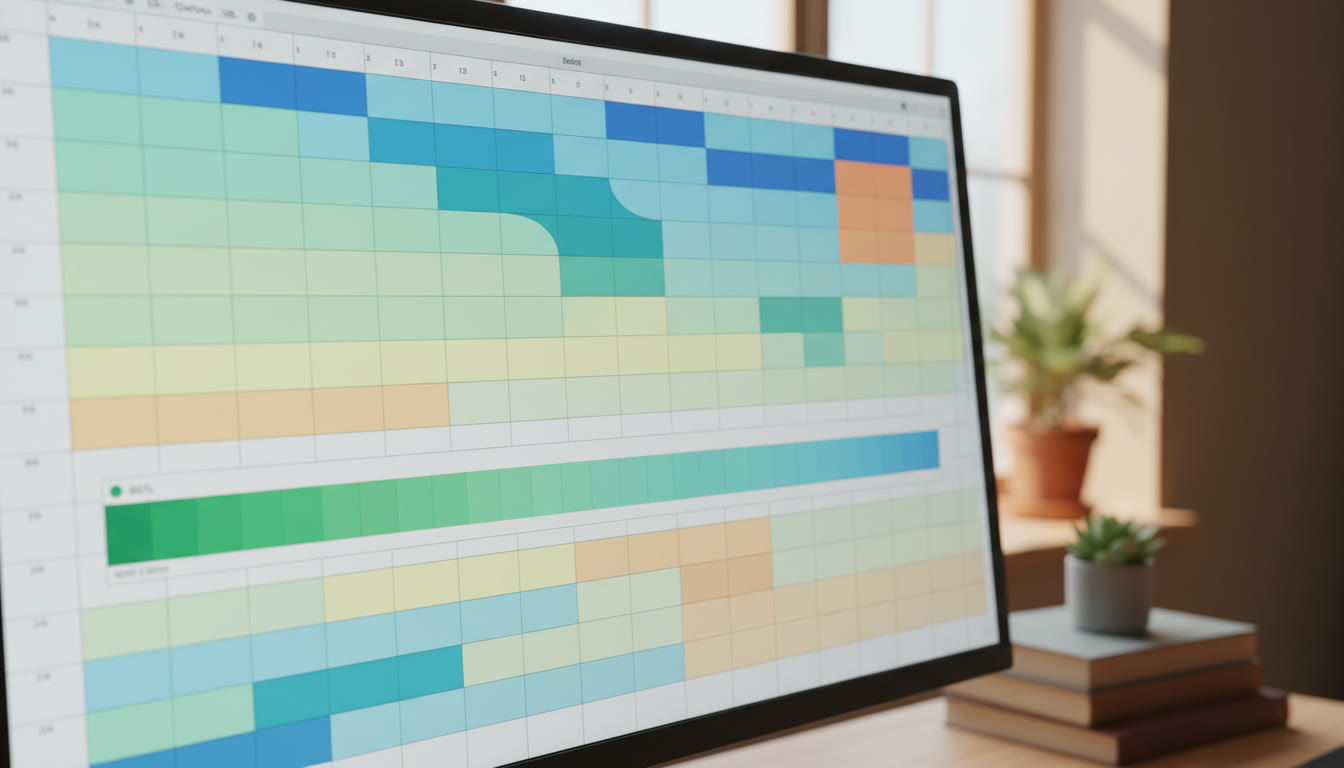
Template: Minimal IA Dashboard (copy and customize)
| Phase | Task | Owner | Status | % Complete | Evidence | Risk |
|---|---|---|---|---|---|---|
| Topic | Finalize research question | You | Complete | 100% | RQ_final.docx | Green |
| Research | Collect 6 key sources | You | In progress | 67% | Biblio_notes.pdf | Amber |
| Data | Run experiment set A | You | Not started | 0% | — | Red |
| Draft | First full draft | You | Not started | 0% | — | Red |
Final tips for steady progress
1) Keep the dashboard visible and updated—the value drops dramatically if it’s out of date. 2) Use short, honest % estimates and update them weekly. 3) Keep evidence naming consistent. 4) Use the dashboard to drive supervisor meetings: share it before the meeting so time is spent on analysis, not status reports. With a few weeks of steady use the dashboard becomes the scaffold that supports stronger reasoning, clearer drafts, and more productive feedback cycles.
Building a practical IA progress dashboard is less about software and more about habits: define milestones clearly, measure honestly, and treat the dashboard as the single source of truth for your IA work. Use it faithfully, and you’ll transform a vague deadline into a sequence of achievable steps that lead to a higher-quality submission.
The end of the academic procedure: a dashboard is a tool that aligns your evidence, milestones and supervised feedback to the assessment criteria so that your final submission reflects deliberate, documented progress.

























No Comments
Leave a comment Cancel