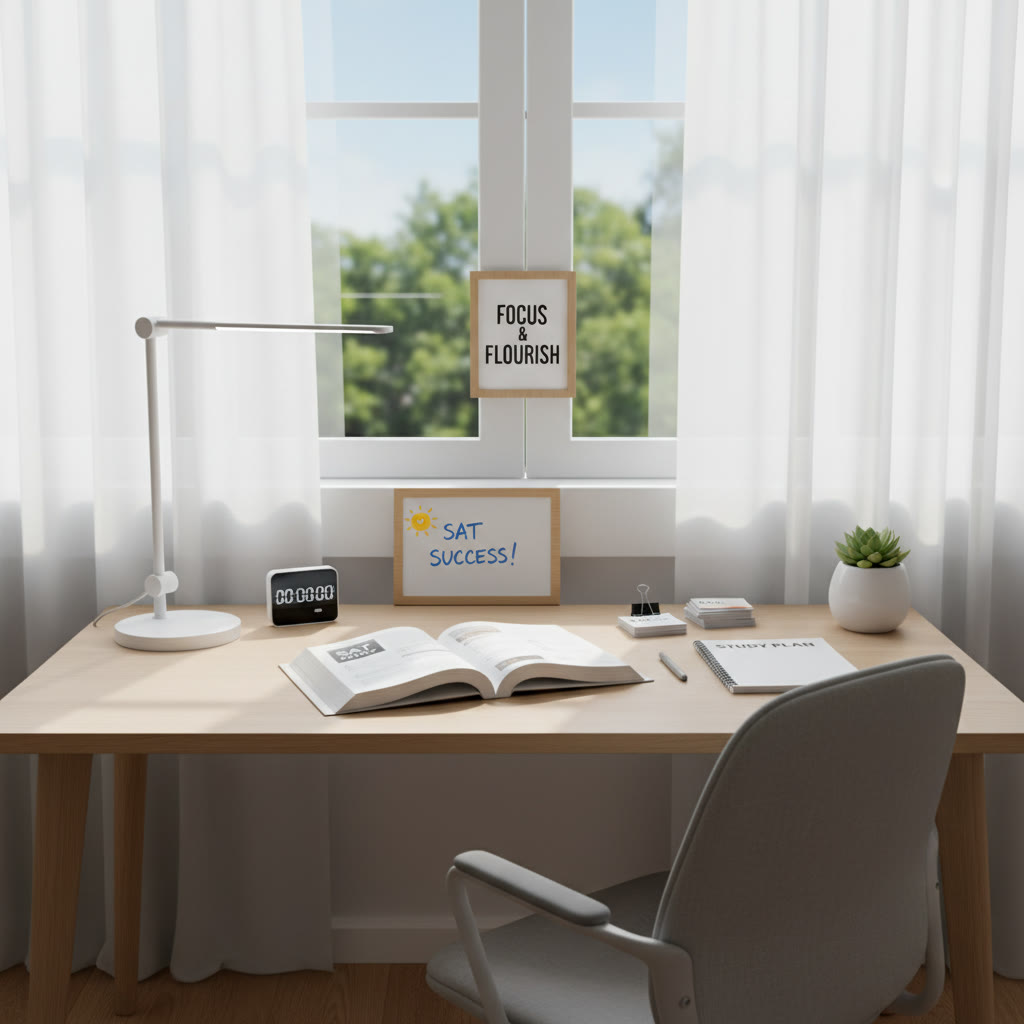

Why Your Study Space Matters More Than You Think
Picture this: two students, same goal, same number of hours, different rooms. One scores confidently on test day; the other feels frazzled. The difference? Not talent or luck, but environment. Your study space is the stage where your brain performs — and like any good stage, it needs the right lighting, props, and atmosphere.
Creating a distraction-free study space is about more than tidying a desk. It’s about designing a place where attention flows naturally, practice becomes ritual, and focus is easier than distraction. Whether you’re starting six months out or cramming in the final week, small adjustments to your environment can multiply the effectiveness of every hour you spend with SAT practice.
The Science of Distraction: What You’re Fighting
Attention is a finite resource
Neuroscience shows attention isn’t limitless. Each time your mind shifts from studying to checking a notification or adjusting your playlist, you pay a “switching cost.” That cost is time — and more importantly, mental energy. Repeated interruptions drain working memory, making it harder to hold concepts and solve multi-step problems on the Reading and Math sections.
Context and memory
Context helps memory. Studying in a consistent environment creates cues that prime recall. If you always practice SAT problems at the same desk, your brain starts associating that place with focused problem-solving, and retrieval becomes smoother on test day. This is one of the reasons simulated test conditions are so powerful.
Design Principles for a Distraction-Free Study Space
1. Control visual clutter
Visual clutter competes with your attention. Keep your immediate view tidy: a clear desk surface, a couple of study essentials, and a neutral backdrop. If you like motivational posters, keep them discretionary: one small visual cue is better than a wall full of competing images.
2. Optimize lighting
Good lighting reduces eye strain and signals alertness. Natural light is ideal — position your desk perpendicular to a window to avoid glare on your screen or paper. When natural light isn’t available, a warm LED desk lamp with adjustable brightness helps you stay comfortable through long sessions.
3. Prioritize ergonomics
Uncomfortable chairs or awkward monitor heights pull your attention away from content. Align your chair, desk, and screen so your posture is neutral: feet flat, forearms supported, and the top of the monitor at or just below eye level. Small adjustments reduce breaks caused by aches and keep focus consistent.
4. Manage sound strategically
Some students need silence; others do well with low ambient noise. Use noise-cancelling headphones for busy households, white noise machines for consistent background sound, or soft instrumental playlists if music helps sustain attention. The key is predictability — random or loud noise is what breaks focus.
5. Set clear tech boundaries
Phones, social apps, and endless tabs are the biggest attention thieves. Keep your phone in another room during deep study blocks or use focus modes to limit incoming notifications. If you use a computer for practice tests, open only the necessary tabs and consider browser extensions that block distracting sites during scheduled sessions.
Practical Steps: Build Your Ideal SAT Study Zone
Step 1 — Define your purpose
Decide what type of work you’ll do in the space: content review, timed practice, or review sessions with a tutor. A single space can serve multiple purposes, but clarity helps. Reserve the desk for active study; keep lounging areas for rest and reward.
Step 2 — Create a starter checklist
Here is a practical checklist to prepare your desk, with quick notes on why each item matters:
| Item | Why it matters | Quick tip |
|---|---|---|
| Clear surface | Reduces visual distraction | Keep only current materials on the desk |
| Good lighting | Prevents eye strain and sleepiness | Use a lamp with adjustable brightness |
| Comfortable chair | Supports longer sessions without pain | Add lumbar support if needed |
| Timer/clock | Keeps timed practice honest | A physical timer reduces the urge to check the phone |
| Noise solution | Controls unpredictable sounds | Noise-cancelling headphones or white noise |
| Stationery tray | Keeps supplies within reach | Highlighters, pencils, eraser, calculator |
Step 3 — Zone your space
Divide the room into micro-zones even within a small desk area:
- Primary study zone: desk, lamp, timer.
- Reference zone: shelf or binder with formulas, vocab lists, and formulas cheat-sheets.
- Reset zone: small area for short breaks — a comfy chair or a plant corner.
Having a reset zone helps you reward focus without wandering into full distraction. Stand up, stretch, or take a 5-minute walk before returning to the desk.
Examples: Room Setups for Different Situations
Small bedroom corner
Use a narrow desk with vertical shelving. Mount a small lamp and use a wall organizer for materials. If noise is an issue, prioritise noise-cancelling headphones and a set study schedule (e.g., 45 minutes on, 10 minutes break).
Shared family space
Communicate your study hours with family and set signage like “Study in progress — please keep noise low.” Consider portable barriers or a foldable privacy screen if interruptions are frequent.
Library-style deep work
If you have access to a quiet library, emulate that environment at home. Sit with your back to the room’s entrance to minimize glances, and use a simple timer-based routine for examination-style practice.
Timing and Routine: Make Focus Predictable
Use focused blocks
Short, intense sessions beat marathon, distracted hours. Popular methods like Pomodoro (25 minutes focused, 5 minutes break) work well for organic focus. For SAT prep, try longer blocks when doing full practice sections — for example, simulate a 65-minute Math section or a 35-minute Reading passage to build endurance.
Schedule variety
Alternate problem types and skills to keep your brain engaged: a session could be 30 minutes of Algebra practice followed by 25 minutes of Reading comprehension. Mixing modalities prevents fatigue from repetitive mental patterns.
Technology: Use It — Don’t Let It Use You
Two tech rules
- Out of sight, out of mind: Keep your phone out of arm’s reach during focused blocks.
- Single-tasking for practice: Open only what you need. Close extra tabs and disable social notifications while doing timed sections.
There are apps and built-in focus modes that temporarily limit phone or browser distractions. Use them for full practice tests and for deep study sessions when you need uninterrupted concentration.
Personalization: Your Environment, Your Success
No one-size-fits-all study room exists. Some students bloom with complete silence; others focus better with soft background music. Experiment for a week with small changes and measure how much productive work you complete, not just how many hours you sit.
Test different variables
- Lighting: natural vs. lamp
- Sound: silence vs. ambient music vs. white noise
- Work blocks: 25/5 vs. 50/10 vs. full-section simulations
Log which combination feels best and makes your practice more effective. Use simple metrics: number of correctly completed problems per hour, or percentage accuracy on timed sets.
Simulate Test Day: Practice Under Real Conditions
One powerful habit is to run full practice tests in the same environment you plan to study in. Simulate timing, breaks, and even snacking habits. This builds mental stamina and reduces day-of-test surprises, like getting thrown off by a noisy hallway or an unfamiliar seating position.
Checklist for a test simulation
- Use a timer visible from your seat.
- Wear the clothes you’ll wear on test day to test comfort and movement.
- Practice the exact calculator permitted on test day and ensure batteries are good.
- Keep scratch paper and pencils prepared like at test center.
Common Problems and Fixes
Problem: I keep getting distracted by my phone
Fix: Put the phone in another room or in a drawer with a physical timer set for your session. If you need the phone for a calculator or access to a clock, enable strict do-not-disturb and remove social apps from the home screen during study periods.
Problem: My family doesn’t understand my study schedule
Fix: Have a calm conversation and show a clear plan: when you’ll be studying, how long, and when you’ll be available. Invite compromise — perhaps schedule family time after your evening review as a reward for focused work.
Problem: I get sleepy after an hour
Fix: Shorten blocks or switch modalities. Try 20–30 minute intensive sessions with quick content changes, stand for part of your session, or set up brief physical movement during breaks to re-energize.
Sample Weekly Plan: Where Your Space Fits In
Here’s a sample week that balances content review, practice, and simulated testing. The environment notes show how to use your space strategically.
| Day | Main Focus | Session Structure | Environment Notes |
|---|---|---|---|
| Monday | Reading comprehension | 2 x 45-min focused blocks + review | Quiet, natural light; phone out of room |
| Tuesday | Algebra practice | 3 x 30-min problem sets | Desk with calculator and scratch paper ready |
| Wednesday | Full practice section (Math) | Timed 65-min simulation + review | Simulate test conditions; use timer and silence |
| Thursday | Essay strategy / Writing | 40-min planning and practice | Reference zone with grammar sheets visible |
| Friday | Mixed review | Shorters blocks covering weak points | Use white noise if house is busy |
| Saturday | Full practice test | Full timed test with breaks | Complete test simulation at study desk |
| Sunday | Rest and light review | 30–45 minutes of light reading | Reset zone for relaxation |
How Tutoring Can Help You Design and Use Your Space
Personalized tutoring can do more than teach content — it can help you craft study systems that fit you. Sparkl’s personalized tutoring offers 1-on-1 guidance, tailored study plans, expert tutors, and AI-driven insights that help identify which environmental tweaks deliver the biggest gains for your learning style. A tutor can observe your study setup during a session, recommend layout changes, and co-design a schedule that makes your study space work for you, not against you.
Real-world example
One student struggled with afternoon sluggishness. Together with their Sparkl tutor, they shifted intense problem sets to morning blocks, moved light exercise before studying, and added a bright desk lamp — small changes that dramatically improved accuracy on timed math sections.
Building Habits: Rituals That Signal Focus
Rituals prime your brain. Before every session, perform a short routine: clear your desk, set a timer, write one clear goal for the session. These small acts condition your mind to switch into “study” mode. Over time, your environment plus a consistent ritual will make focus feel automatic.
A simple 3-step ritual
- Prepare: Clear the desk and gather materials (2 minutes).
- Set intention: Write your session goal on a sticky note (1 minute).
- Commit: Start the timer and begin (0 minutes — just start).
Maintenance: Keep Your Space Working for You
Once you have a setup that works, maintain it. Schedule a weekly 10-minute reset to tidy, replace pens, empty the trash, and restock supplies. Small, regular maintenance prevents long cleaning days that interrupt momentum.
End-of-week checklist
- Clear desktop and electronics.
- Review what worked and what didn’t.
- Adjust study schedule for the coming week.
Final Thoughts: Small Changes, Big Results
Designing a distraction-free study space is not about perfection — it’s about removing predictable barriers and amplifying your best study moments. A tidy desk, consistent lighting, ergonomic comfort, and smart tech boundaries give you more mental energy to practice the skills that count on the SAT.
Remember, tools like Sparkl’s personalized tutoring can accelerate this process by offering 1-on-1 guidance, tailored study plans, expert tutors, and AI-driven insights that point you to the most effective environmental changes for your learning style. Combine that support with a thoughtfully designed study space, and you’ll be creating an environment where focus becomes the default and improvement follows.
Two image ideas
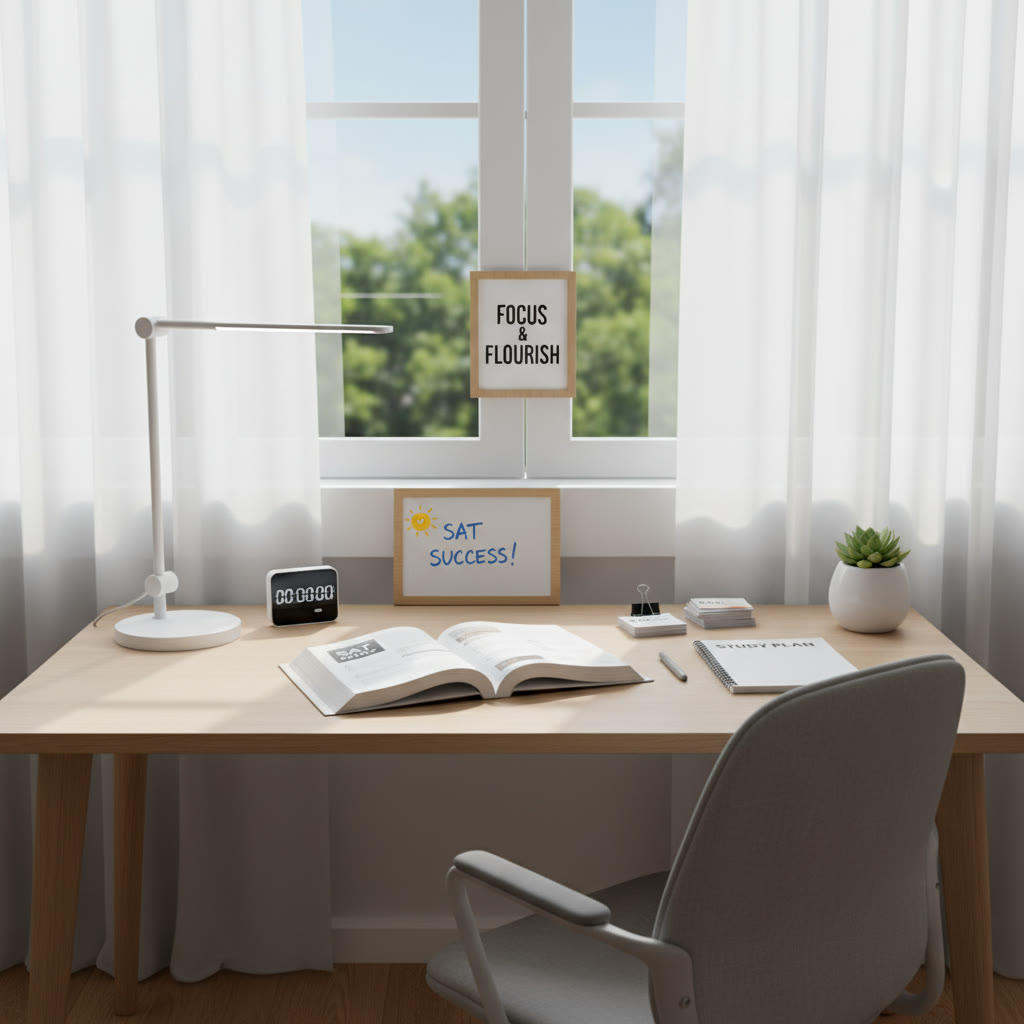

Quick Start Checklist: Get Focused in 30 Minutes
If you want to get your study space ready fast, follow this 30-minute checklist:
- 5 minutes: Clear and wipe down your desk surface.
- 5 minutes: Set up lighting and chair ergonomics.
- 5 minutes: Remove phone from the room and prepare a timer.
- 5 minutes: Gather study materials (pencils, calculator, passages, formula sheet).
- 10 minutes: Run a 25-minute focused block to test the setup and adjust what bothers you.
That’s it. A half hour can transform your study experience and set you up for more effective practice sessions. Good luck — and remember, a well-designed space is a study partner. Treat it well, and it will help you reach your SAT goals.
























No Comments
Leave a comment Cancel